11. System configuration
Pump settings => Pump settings => Relief Settings (only for 3/2 zone valves)
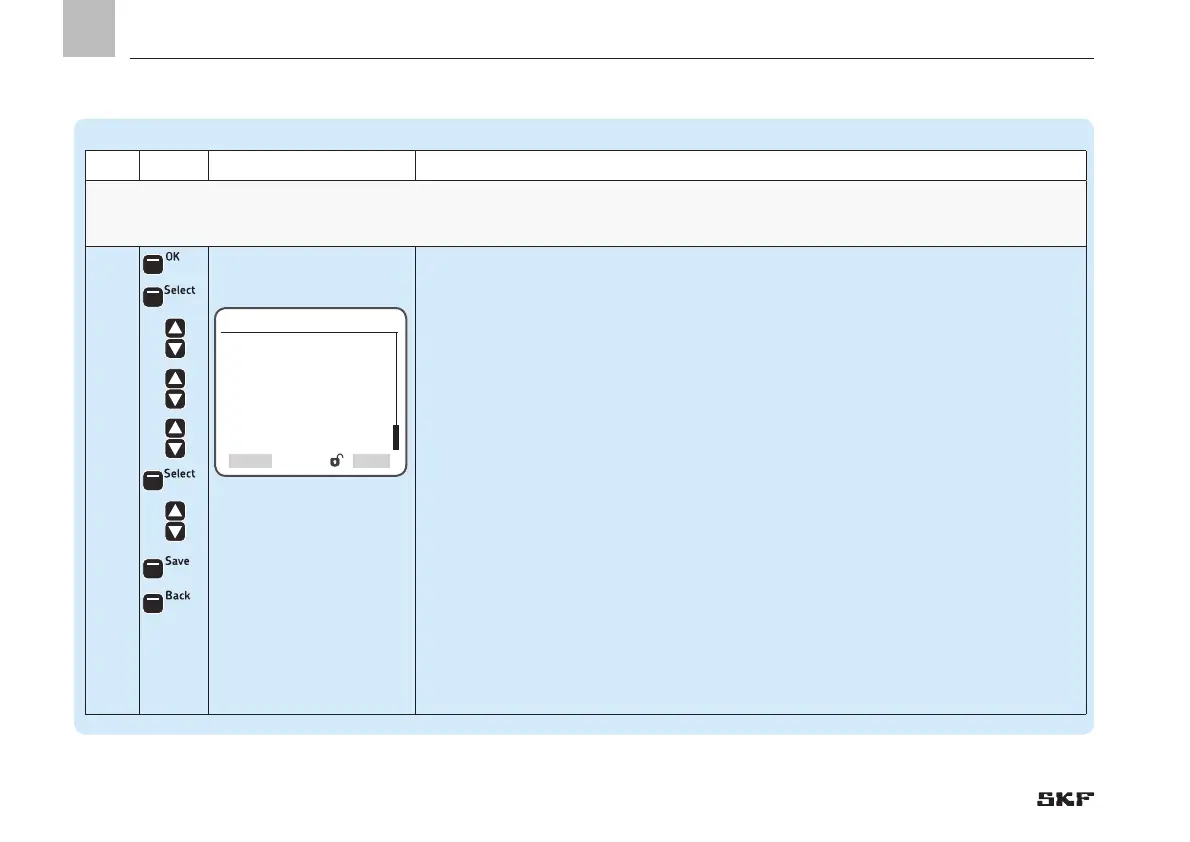
Step Key Display Description
Relief Settings For zones with 3/2 directional solenoid valves (zone valves), the zone valves are actuated once again when the pump is off after a
complete lubricating cycle is finished (zone 1 to max. zone 3).Time-dependent relief of the main lubrication line (pump to zone valves) occurs.
4
• Press <OK control key>
)You will enter the Relief Settings menu
The following settings are available:
Zone Relief Time
)Entry of the time value during which all zone valves are actuated
Pump Relief Time
• Entry of the time value during which the pump is switched to pressure relief
• Press <Select control key>
• Use <down/up arrow key> to select Zone Relief Time
and/or:
• Use <down/up arrow key> to select Pump Relief Time
• Press <Select control key>
• Use <down/up arrow key> to set the time frame
• Press <Save control key>
• Press <Back control key>


 To Next Page