• As the signal has been input, the clip LED light continuously, but the speaker has no voice, it is
possible that it is short circuit for loading, you should turn off the amplifier. Find out where the
trouble is and renew working.
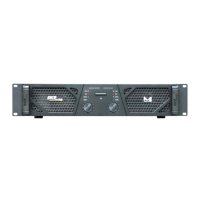
6.7. CHANNEL PROTECT INDCATOR LAMPS (YELLOW)
The LEDS will be on in the three situations:
• After turning on the power in 4-6 second and after turning off the power.
• As the power transistors' temperature is over 90℃.
• Something is wrong with the amplifier.
8.9. CHA/CHB SIGNAL INDICATING LEDS (GREEN)
This LED will be on when the amplified is working normally.
10. BRIDGE LED
The LED will be on when the amplifier works in the bridge mode
11. POWER LED
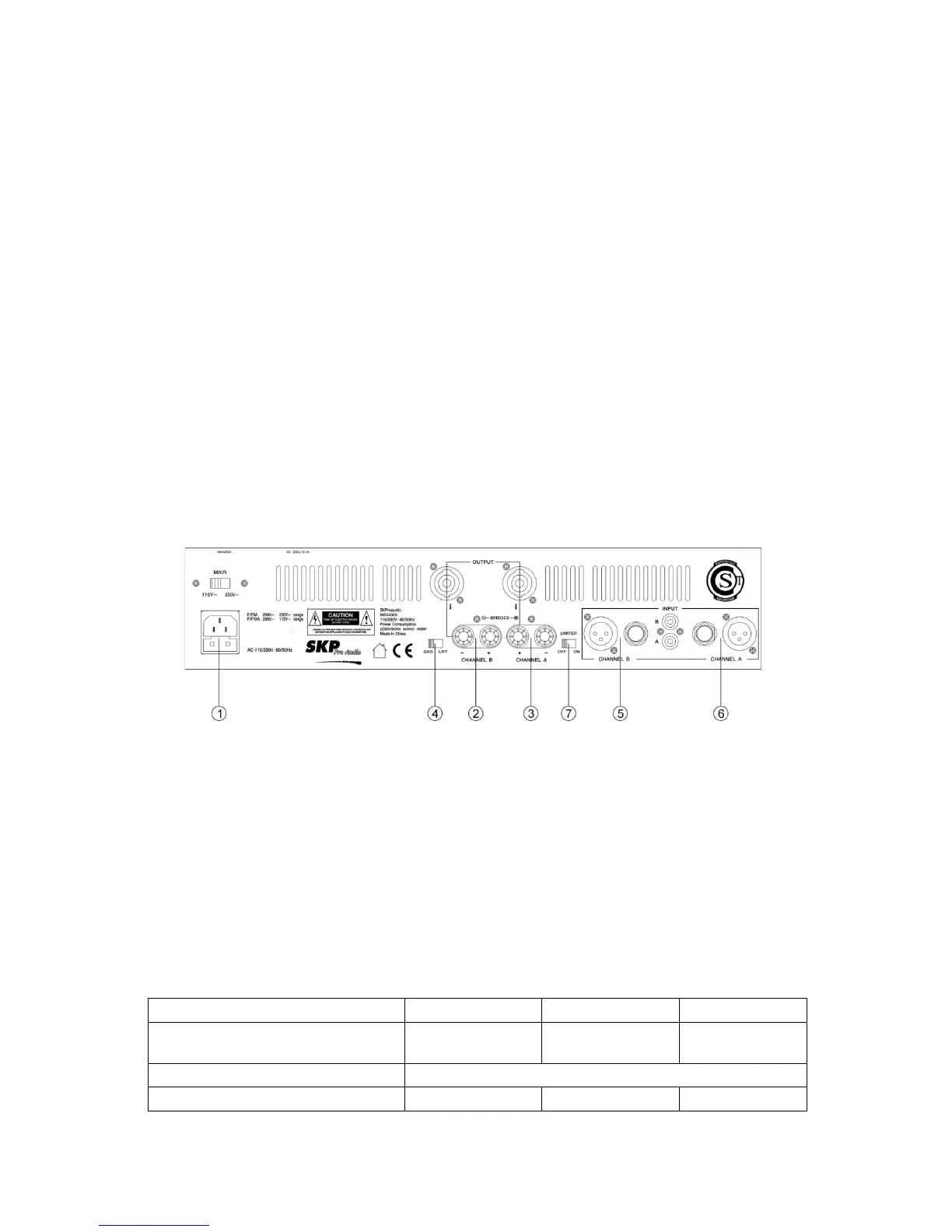
REAR PANAL:
1. STANDARD POWER CONNECTOR (W/FUSE SOCKET)
Attention: Use the correct fuse when changed.
2 .3.CHA/CHB OUTPUT CONNECTOR
Use 5 way binding past and1/4” connector.
4.GROUND/LIFT SWITCH.
5. 6.CHA/CHB INPUT CONNECTOR
Use a XLR, 1/4” connector and RCA connector.
7. AUTO-LIMITER SWITCH
When then switch positioned to “ON”, the Auto-Limiter inside is active。
MODLE MAX 310 MAX 410X MAX 710X
OUTPUT POWER STEREO 8 Ω


 To Next Page