EasyManua.ls Logo

sky rider DRW241 - User Manual

sky rider DRW241
13 pages
Print Icon
To Next Page IconTo Next Page
Loading...
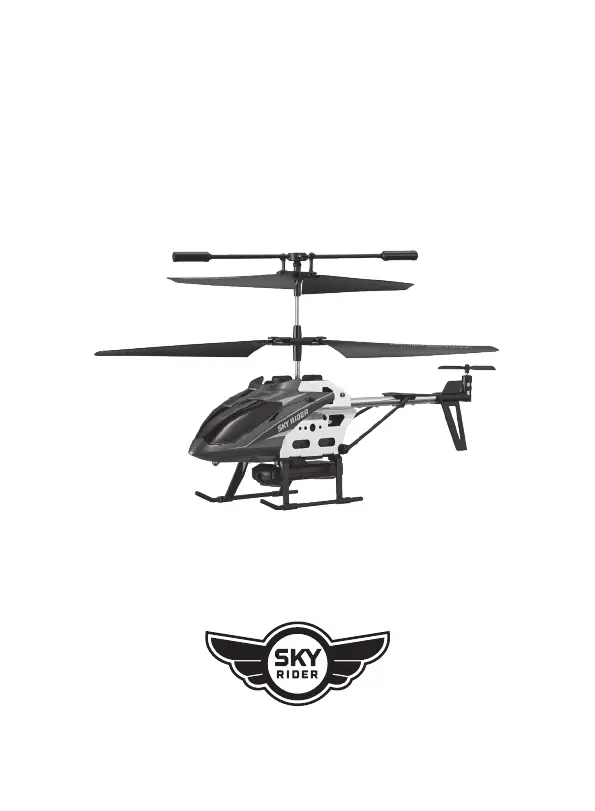
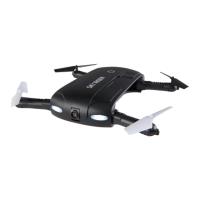
MINI GLOW PRO
Quadcopter Drone with Wi-Fi Camera
User’s Guide for Model DRW241 v2764-01

Questions and Answers

  • C
    Colton AdamsAug 7, 2025
    How to fix sky rider DRW241 Drones that does not respond to controls?
    • E
      Erik ThomasAug 7, 2025
      If your Sky Rider Drones doesn't respond to the controls, start by checking the remote batteries and replace them if needed. Ensure that the power plugs are firmly connected. Also, make sure you're within the remote's 65 ft. range.
  • D
    donaldwilliamsAug 25, 2025
    What to do if the LED lights are ON but sky rider DRW241 does not respond to controls?
    • L
      Lisa GriffinAug 25, 2025
      If the LED lights are on but your Sky Rider Drones doesn't respond, the battery power might be low. Try recharging the battery to resolve this issue.

Summary

Warnings & Precautions

Important Safety Instructions

Key safety guidelines for operating the drone and handling components.

Additional Warnings & Precautions

Further safety advice, including fire risk, battery handling, and exposure.

Charging the Battery

Battery Charging Procedure

Step-by-step instructions for charging the drone's battery safely and effectively.

Remote Control

Functions

Explains the various controls and buttons on the remote transmitter.

Flying

Craft;Remote Link

Procedures for establishing a connection between the drone and the remote control.

Emergency Stop

Instructions on how to perform an immediate emergency shutdown of the rotors.

Parts & Repair

Rotor Replacement

Detailed steps for safely replacing damaged drone rotors.

Troubleshooting

sky rider DRW241 Specifications

General IconGeneral
Brandsky rider
ModelDRW241
CategoryDrones
LanguageEnglish

Related product manuals