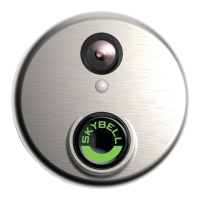
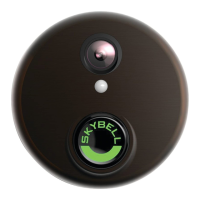
SkyBell HD
Picture is not clear or blurry - Both iOS or Android
End the “Watch Live” event and go to the Device Settings>Image Quality>choose an image quality based on the customer’s network connection - 480p is the lowest setting and
should be tried first if the picture is not clear.
Device Troubleshooting
Speaker sound is muffled or garbled
Let the SkyBell charge fully
Once powered properly if the customer still has sound issues, the device needs to come back (this is a manufacturing defect known to occur in a small number of devices.
Please flag return as speaker/sound issue and return to Hi-Tem).
SkyBell stuck in a solid yellow (may look green)
Stuck solid Yellow = SkyBell is stuck in powering up/booting up mode
Remove SkyBell from the wall and disconnect from power
Wait 60 seconds after the LED lights go out
Reconnect SkyBell to power
If SkyBell again stays a solid yellow for more than 5 minutes contact our Technical Support team


 To Next Page