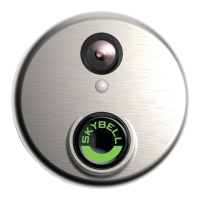
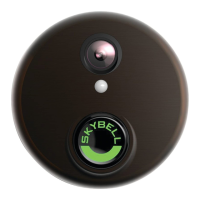
SkyBell HD
SkyBell Device Reset
Soft Reset - Hold the SkyBell LED (main button) down for approximately 45 seconds. The SkyBell will rapidly blink green and
then flash Red/Green. Have the customer continue holding the button until the pace of the LED flashes change. This is also
known as a general power cycle.
Hard Reset - Hold the SkyBell LED (main button) down for approximately one (1) minute. The SkyBell will rapidly blink green and
then blink Red/Green. Have the customer continue holding the button until the LED goes from rapidly blinking blue to rapidly
blinking yellow. Now the customer can release the button. The LED will start to blink Red/Green and is now ready for re-syncing.
Device Troubleshooting


 To Previous Page