Step 19
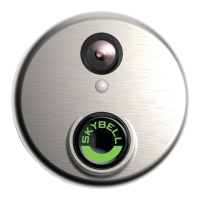
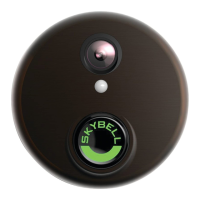
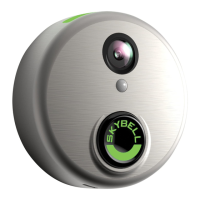
Once the SkyBell device has been successfully
configured, the LED will change from blinking
orange rapidly to blinking blue / green, and
finally to solid green.
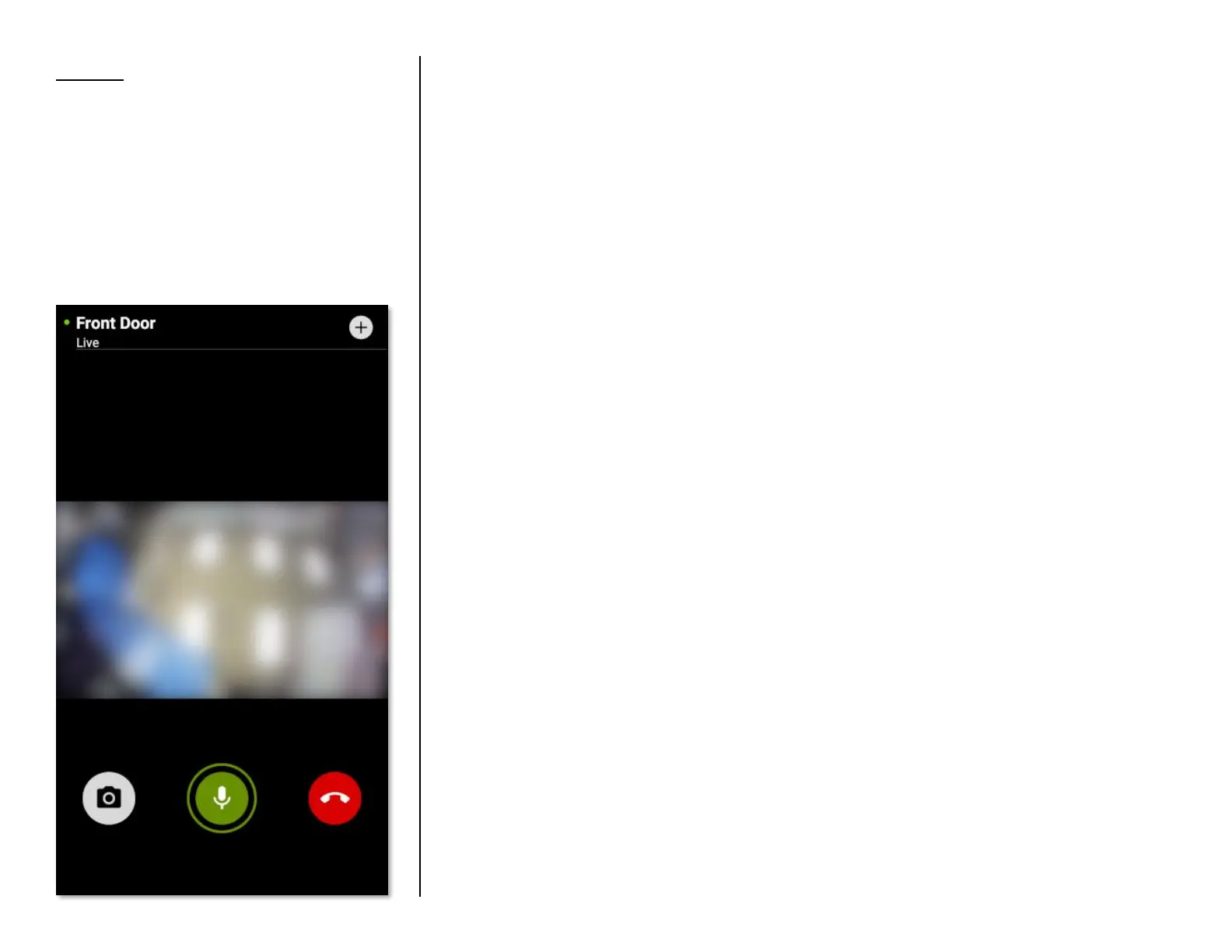
The SkyBell automatically enters Call mode
showing the live video stream from the camera.
• Tap the red Hang-up icon button to end the
live-call stream.
Congratulations!
You have successfully set up your SkyBell.


 To Next Page