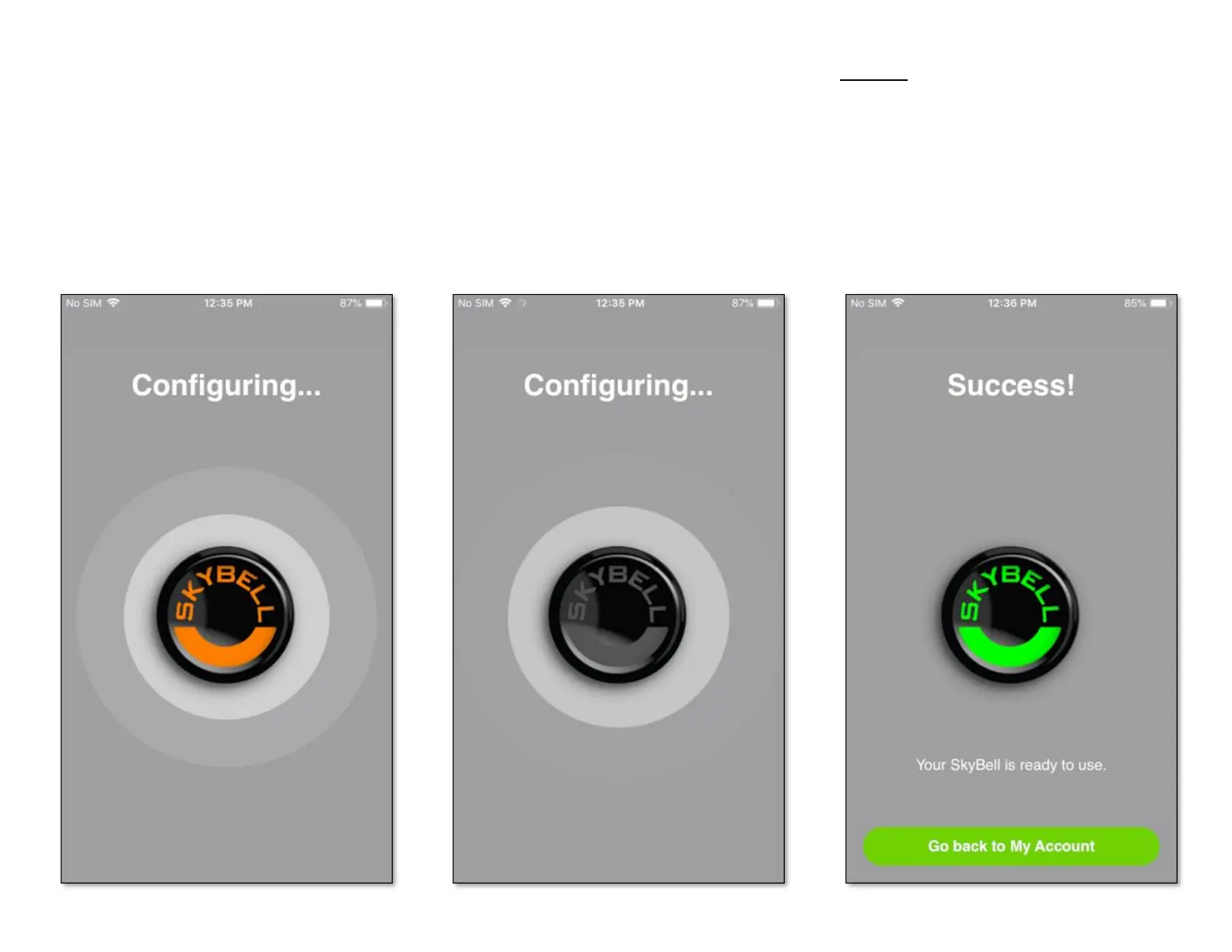
Your SkyBell device will now connect to your
home Wi-Fi network and will also attach to your
SkyBell account. During this process the SkyBell
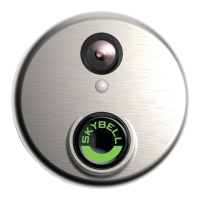
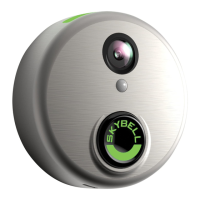
device LED will blink orange rapidly for
approximately 10 seconds. The SkyBell app will
show the configuration progress on screens like
the ones below.
Step 13
Once the SkyBell device has been configured, the
LED will change from blinking orange rapidly to
blinking blue / green, and finally to solid green.
The SkyBell app will display the Sync Success
screen as shown below.
• Tap the Go Back to My Account button.


 To Next Page