SkyCaddie® TOUCH User Guide
©2015 SkyHawke Technologies, LLC. All Rights Reserved. v.1.1
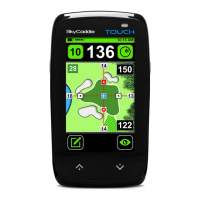
3.3 OVERVIEW OF INTELLIGREEN® AND ONSCREEN FEATURES
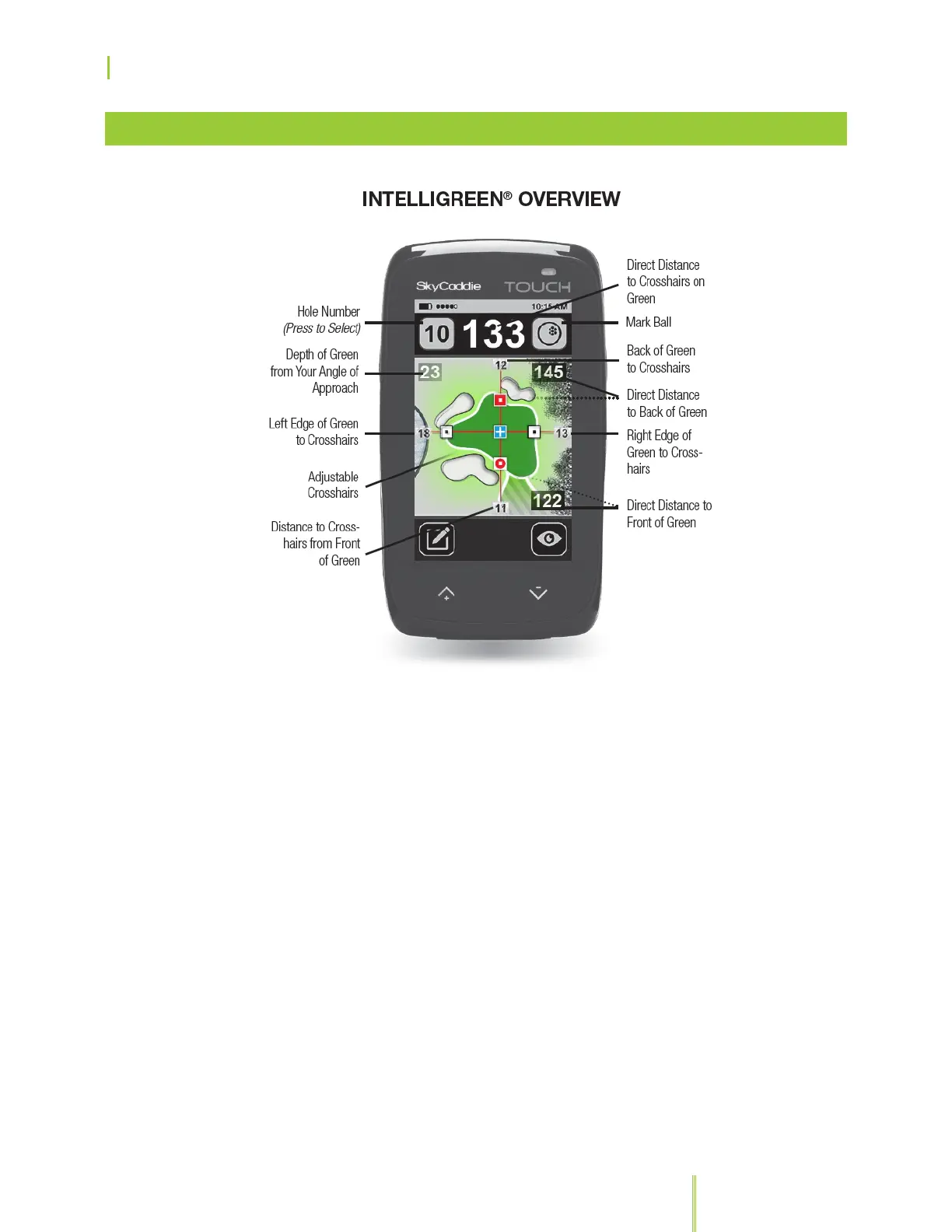
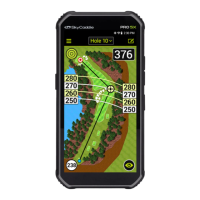
SkyGolf’s proprietary IntelliGreen
®
technology graphically displays
the true shape of the green, automatically rotating it to match your
angle of approach. It turns every shot into a scoring opportunity by
providing front carry and back distances, depth of green, and
distances to any other point on the green — simultaneously. If the
Advanced Feature Course you are playing has the HoleVue feature,
you will be able to see greenside hazards including bunkers and
water with IntelliGreen. Each distance is determined by the position
of the crosshairs in relationship to your current position.
Using the touch screen, you can dynamically interact with the
IntelliGreen. If RangeVue
®
is on, you will see yardage arcs displayed
with preset distances, for quicker club selection. Press anywhere
outside the outline of the green to display or hide Dynamic
RangeVue.
• To get a distance to any point on the green, press anywhere
inside the green to move the crosshairs to that position.


 To Next Page