SkyCaddie® TOUCH User Guide
©2015 SkyHawke Technologies, LLC. All Rights Reserved. v.1.1
CHAPTER 2
2.0 SKYCADDIE TOUCH OVERVIEW AND MAIN MENU
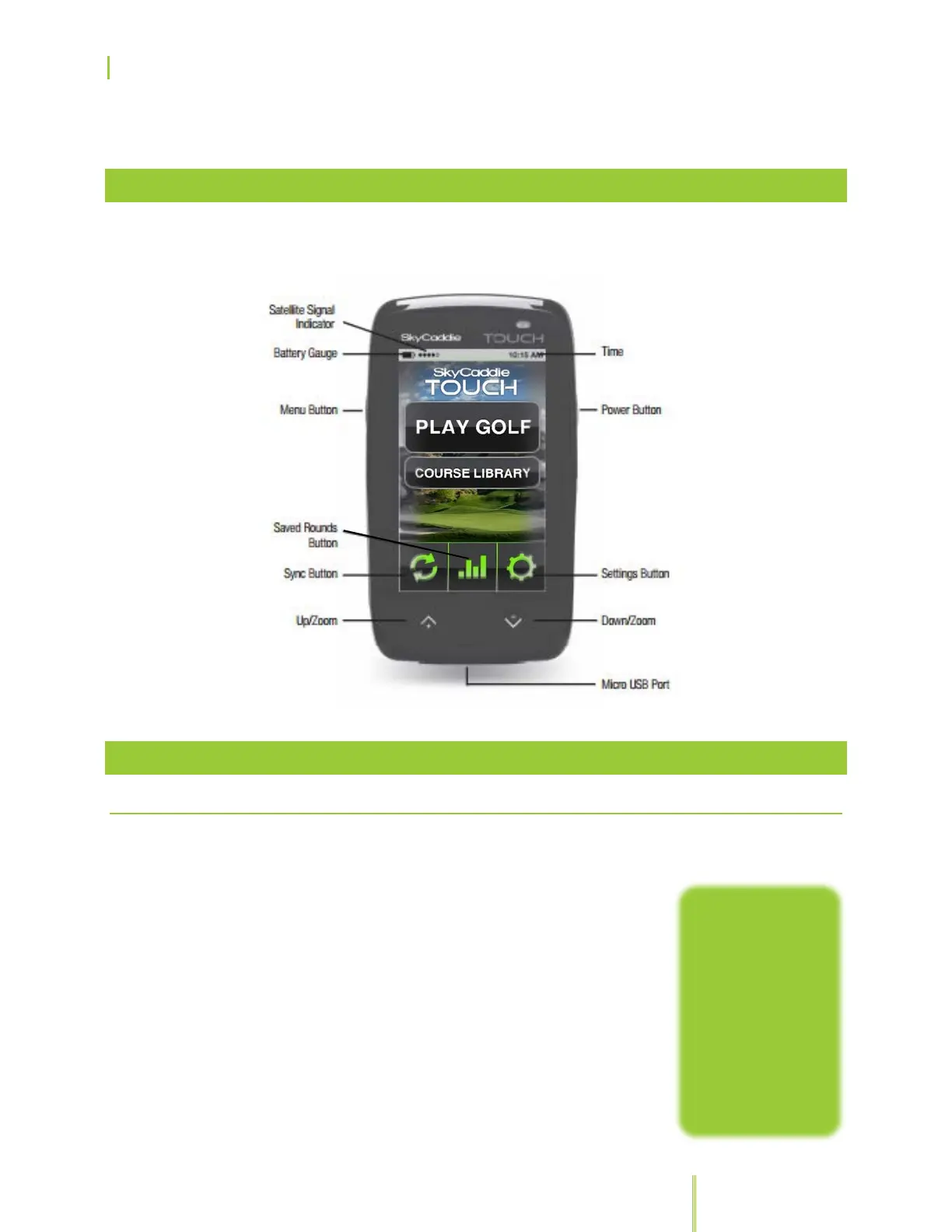
2.1 NAVIGATING YOUR SKYCADDIE TOUCH
2.1.1 NAVIGATION: EXTERNAL BUTTONS
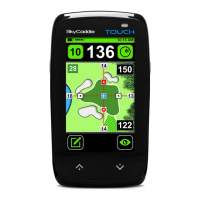
Your SkyCaddie TOUCH only has two
external buttons:
• Power Button: To power on your
SkyCaddie, press and hold the Power button
until the display turns on. To power off, press
and hold the Power button for about three
seconds and confirm the prompt on the
screen of your SkyCaddie TOUCH.
• Menu Button: Press the Menu button on
the side of your SkyCaddie to display the
Main Menu of the TOUCH while it is powered
the screen of your
SkyCaddie
TOUCH to avoid
inadvertent button
pushes by briefly
pressing the
Power button.
Unlock the screen
by briefly pressing


 To Next Page