Preparing for Launch
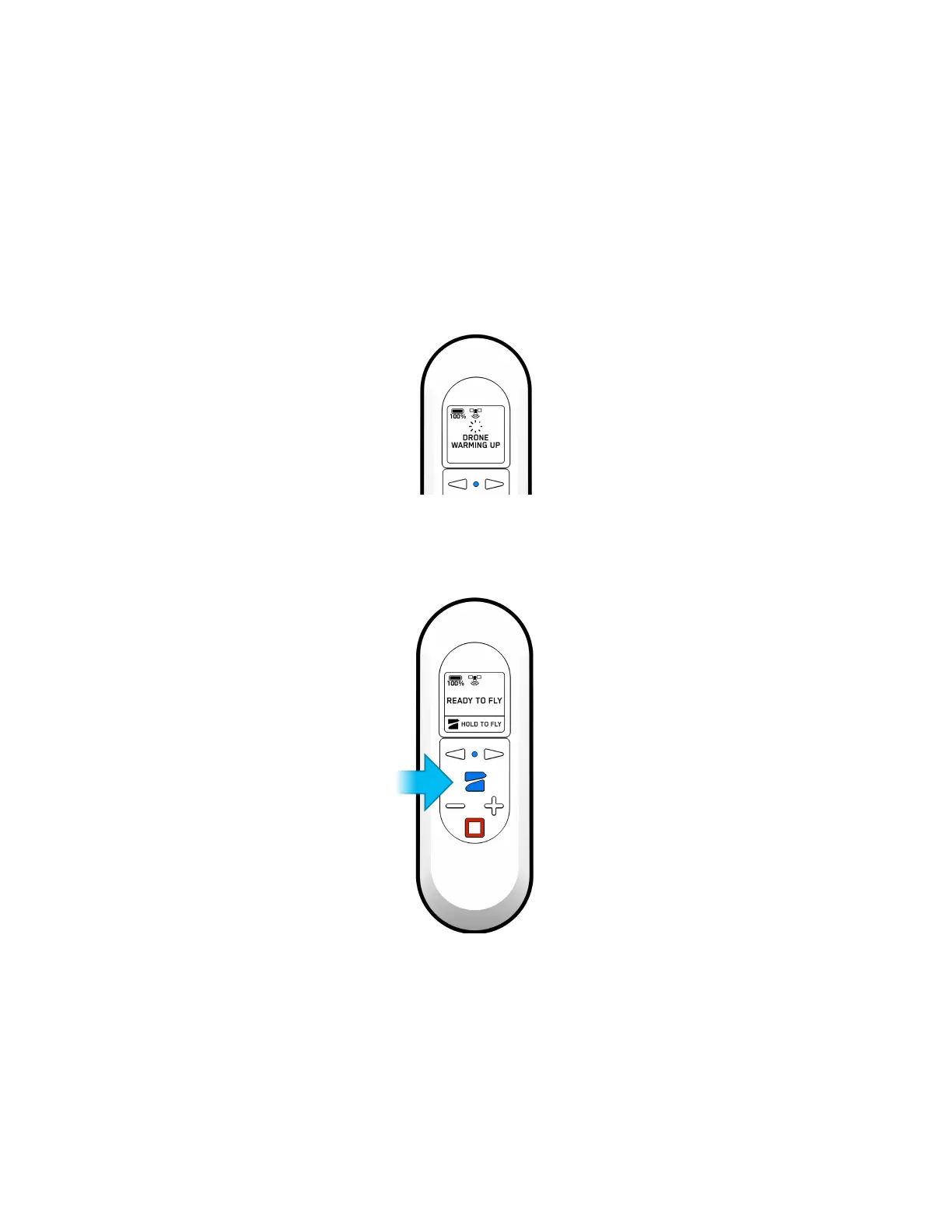
1. Before launch, your Beacon will perform pre-flight checks such as looking for updates.
The Beacon relies on a strong GPS signal to operate and is required for launch. The
GPS strength indication can be found in the center icon of the header. If GPS is poor
you may be prompted to connect your phone to the beacon’s WiFi to speed up the
process.
LED Blinking Blue
2. To fly, press and hold the Skydio button to launch.
LED Solid Blue
Flying with Beacon
1. Hand Launch vs. Ground Launch


 To Next Page