Need help?
Do you have a question about the Skydrop Halo and is the answer not in the manual?
Controller requires a strong Wi-Fi signal for optimal performance and connectivity.
While designed for indoors, outdoor installation requires a weather-resistant enclosure.
Steps to safely power down the controller before removal from the wall plate.
Visit my.skydrop.com to create an account and manage your controller online.
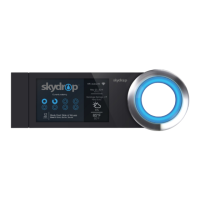
Manually navigate menus and make selections on the controller using the illuminated jog dial.
Download the Skydrop Mobile App for iOS or Android for convenient management.
Troubleshoot under-watering by adjusting zone settings, frequency, or duration.
Troubleshoot over-watering by adjusting zone settings, frequency, or duration.
 General
| Brand | Skydrop |
|---|---|
| Model | Halo |
| Category | Controller |
| Language | English |

 To Next Page