1.
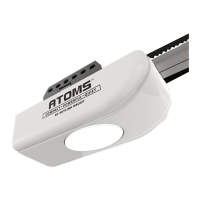
Connect the opener to an approved
power source. The dot in the LED
display stays on.
2.
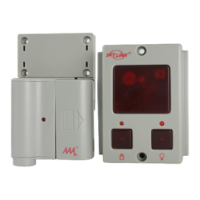
Press and hold button on the
wall console for 5 seconds until the
LCD display shows the number “1” and
up and down arrows are flashing.
3.
Press the [] button until the door is
in fully open position.
4.
Press the [ ] button to confirm the
door position.
5. The LCD display will show the number
“2”.
6. Press the [] button until the door
is in fully closed position.
7. Press the [ ] button again to
confirm.
8. The LED light will flash 3 times when
the travel limit settings are completed.
9. The LCD display will flash the number
“3”.
10. Press the [ ] button to open the
garage door. The flashing “3” will
change to solid.
11. The LED light will flash 3 times again
when the door is fully opened.
Program your garage door opener with following Option 1 or Option 2.
Option 1: from the Wall Console
While programming, the and buttons can be used to move the door as needed.
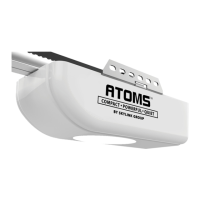
PROGRAMMING GUIDE – LCD WALL CONSOLE (ATOMS+ ONLY)
TM
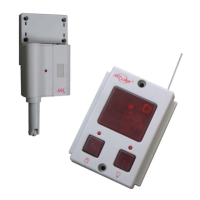
INSTALL SAFETY BEAM SENSOR


 To Next Page
 Loading...