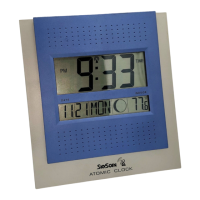
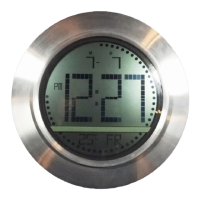
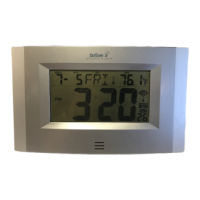
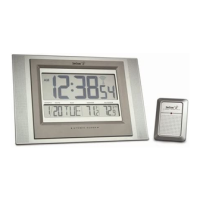
CHANGING THE DISPLAY MODE (DAY,
SECONDS, AND TEMPERATURES)
There are three possible display modes to view the day,
seconds, and temperatures.
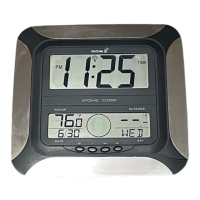
The month&date/weekday/indoor temperature/outdoor
temperature is the default.
To change the display:
1. Press the + key. The display should now show the
month&date/weekday/seconds/ outdoor temperature.
2. Press the + key a second time and the display will
now show the month&date/seconds/indoor
temperature/outdoor temperature.
3. Press the + key third time and the display will return
to the normal display.
WWVB RADIO CONTROLLED TIME
The NIST radio station, WWVB, is located in Ft. Collins,
Colorado and transmits the exact time signal
continuously throughout the United States at 60 kHz.
The signal can be received up to 2,000 miles away
through the internal antenna in the Atomic Clock.
However, due to the nature of the Earth’s Ionosphere,
reception is very limited during daylight hours. The
Atomic Clock will search for a signal every night when
reception is best. The WWVB radio station derives its
signal from the NIST Atomic clock in Boulder, Colorado.
A team of atomic physicists continually measures every
second of every day to an accuracy of ten billionths of a
second a day. These physicists have created an
international standard, measuring a second as
9,192,631,770 vibrations of a Cesium 133 atom in a
vacuum. This Atomic Clock regulates the WWVB
transmitter.
Once the outdoor temperature is displayed on the
Atomic Clock, the WWVB tower icon in the clock display
will start flashing in the top center of the LCD. This
indicates that the clock has detected a radio signal and
is trying to receive it. When the time code is received,
the WWVB tower becomes permanently lit and the time
will be displayed.
If the tower icon flashes, but does not set the time or the
WWVB tower does not appear at all, then please take
note of the following:
• Recommended distance to any interfering sources
like computer monitors or TV sets is a minimum of 6
feet (2 meters).
• Within ferro-concrete rooms (basements,
superstructures), the received signal is naturally
weakened. In extreme cases, please place the unit
close to a window and/ or point its front or back
towards the Fort Collins, Colorado, transmitter.
• During nighttime, the atmospheric disturbances are
usually less severe and reception is possible in most
cases. A single daily reception is adequate to keep
the accuracy deviation below 1 second.
Note:
In case the Atomic Clock is not able to detect the
WWVB-signal (disturbances, transmitting distance,
etc.), the time can be manually set (please refer to notes
on Manual time setting)
MANUAL SETTINGS
Note:
If the Atomic Clock has already successfully
received the WWVB time signal and displays the
correct time and date, then the Manual settings can
be omitted.
After completion of the above described procedures in
“Setting up” the manual setting modes can be entered
by pressing the SET key. The following settings can now
be programmed:
• Time zone setting
• DST ON/OFF
• Language display setting
• Manual time setting
• Year setting
• Month setting
• Date setting
• Weekday setting
• 12/24 hour time display setting
• ºC or ºF setting
TIME ZONE SETTING
After entering the manual setting mode as described
above, the time zone can be set between the –1 to –12
hour or Greenwich Mean Time (GMT) range in LCD2.
To do this:
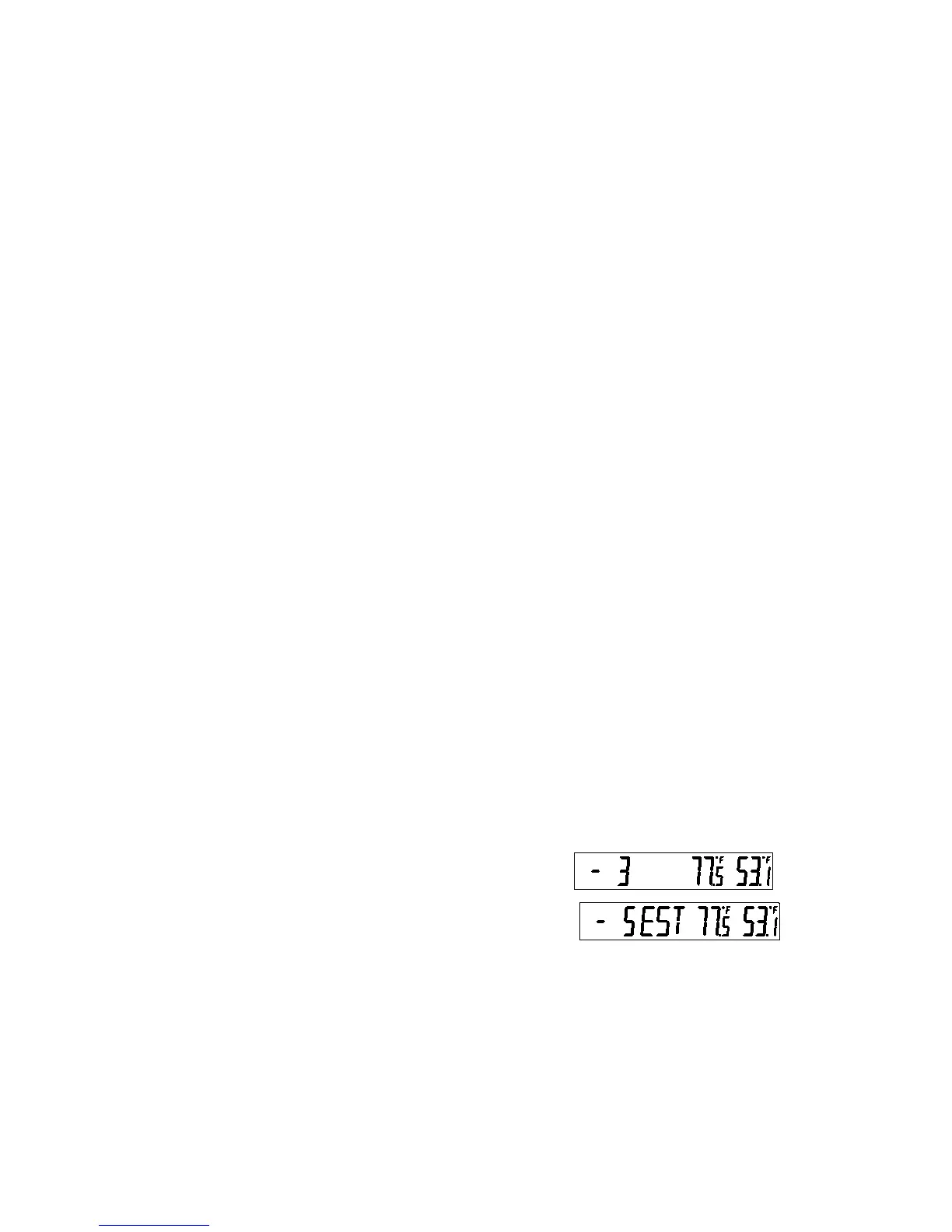
OR
1. The time zone (LCD2) will start flashing (Default
setting "-5h“). Select the desired time zone by use of
the + key.


 To Next Page