9 / 15
Copyright (c) 2009-2013 RoboPeak Team
Copyright (c) 2013-2016 Shanghai Slamtec Co., Ltd.
Figure 2-8 The Supported Commands in Demo Application
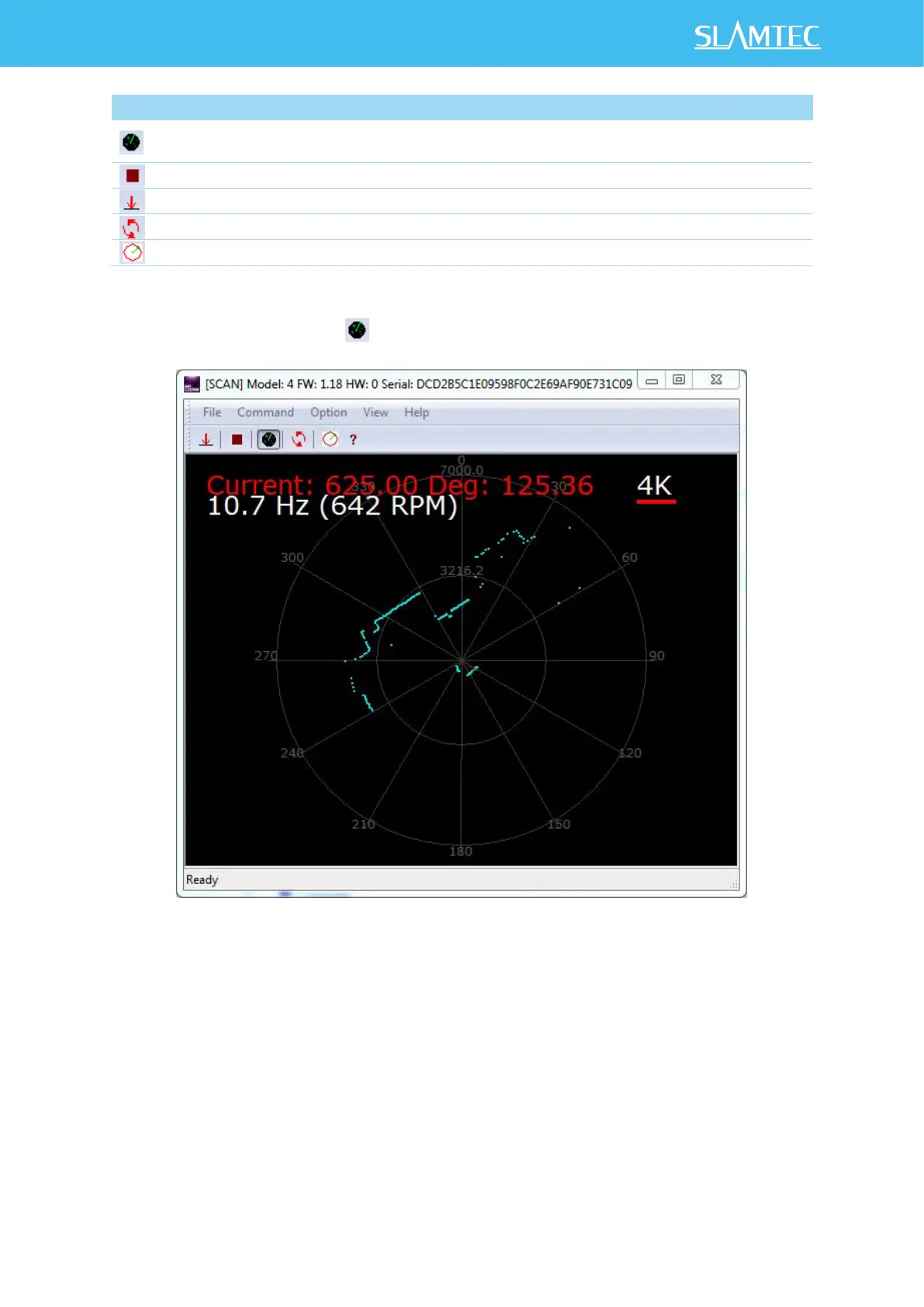
Press the Start Scan button ,the scan data will be displayed in the UI as below:
Figure 2-9 The Scan Outline in RPLIDAR Demo Application
Use the mouse wheel to zoom in and out. Move the cursor to any sample point,
the distance and degree value to the RPLIDAR will be showed in the screen with
red font.
The scan frequency is also showed in the UI.


 To Next Page