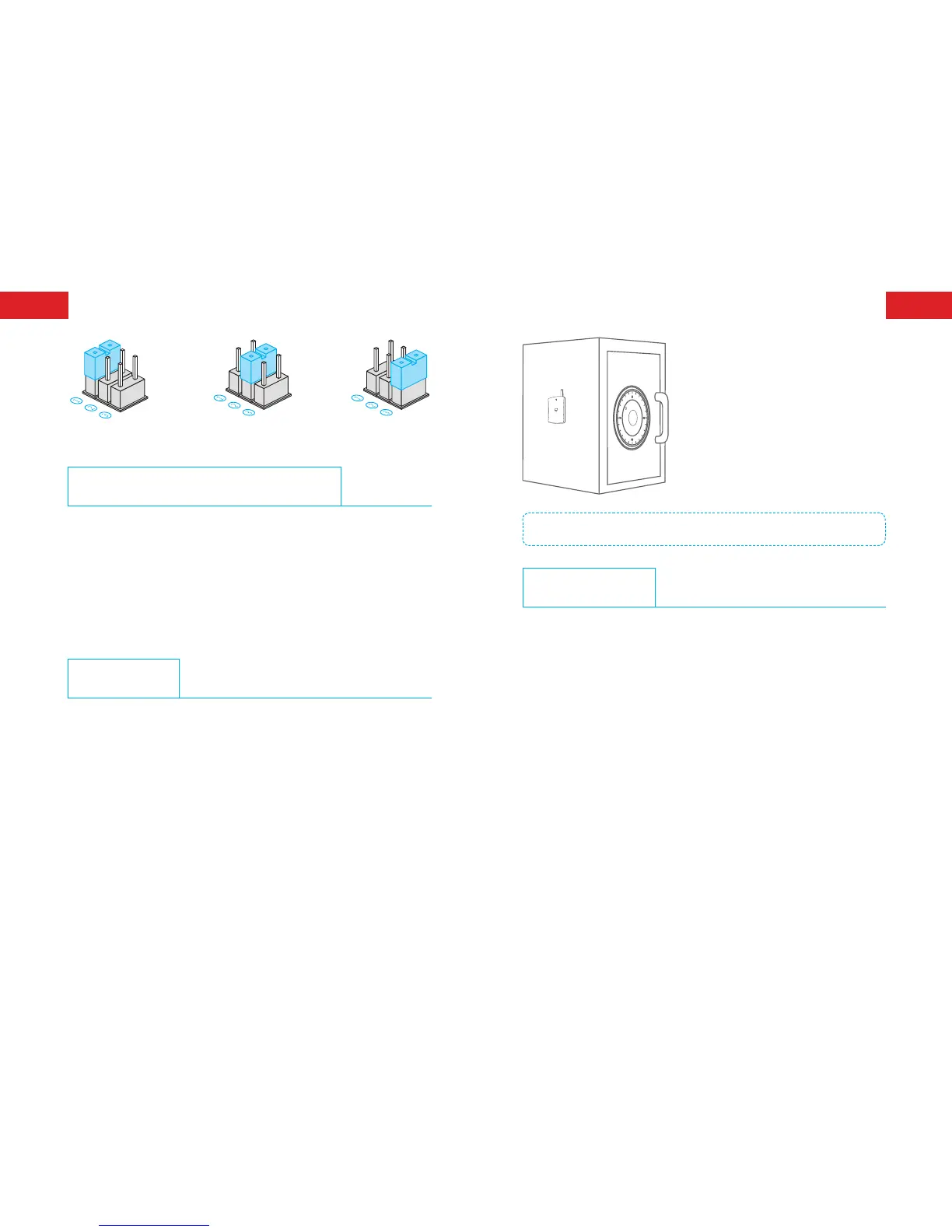
High sensitivity Medium Sensitivity Low sensitivity
Connecting to the Control Panel
Please connect the detector with control panel before use:
1. Make sure the control panel is under pairing state (please refer to
the relative user manual).
2. Knock once on the surface of the detector to simulate an alarm (LED
ashes once), when a beep is heard from control panel, it means
the pairing is successful.
Installation
1. Remove the insulating strip; the detector will enter working state.
2. Clean the surface of object to be installed.
3. Fix the detector on the middle of the object’s surface with double-
sided adhesive tape and make sure the antenna is upward.
Note: Whether a vibration signal will be detected depends on not only the knocking
strength on objects, but also the strength, frequency and duration of the signal.
Specications
Power Supply: DC 3 V (AAA 1.5 V LR03 x 2 PCS)
Static Current: < 29 uA
Alarm Current: < 22.2 mA
Transmitting Distance: < 80 m (in open area)
Radio Frequency: 868 MHz or 915 MHz
Housing Material: ABS plastic
Operation Condition:
Temperature: -10°C ~ +55°C
Relative Humidity: < 80% (non-condensing)
Detector Dimensions (L x W x H): 54 X 14.5 X 107 mm



 To Next Page