Notes:
(1) For the default IP mode of Control LAN port of the Controller Box is
DHCP, the PC also needs to be set to “Obtain an IP address
automatically” mode, and an optional DHCP server (e.g. network router)
is recommended in the system.
(2) If there is no DHCP server in the system, 192.168.0.225 will be used as
the IP address of Control LAN port. You need to set the IP address of
the PC to be in the same network segment. For example, set PC’s IP
address as 192.168.0.88.
(3) You can access the Web GUI by inputting URL "http://controller.local"
or the Control LAN port IP address 192.168.0.225 (in case of no
optional Router) on your computer's browser.
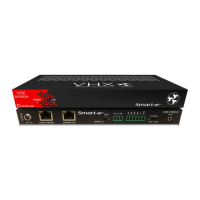
(4) No need to care about settings of Video LAN port of the Controller
Box, as they are managed by Controller automatically (Default).
(5) When the Network Switch does not support POE, the Encoder,
Decoder and Controller Box should be powered by DC power
adapter.


 To Previous Page