7. Web GUI User Guide
7.1 Preparation before Entering the System
You can use Controller’s Web GUI to control all IP products at the
Switch. The operation method is shown as below:
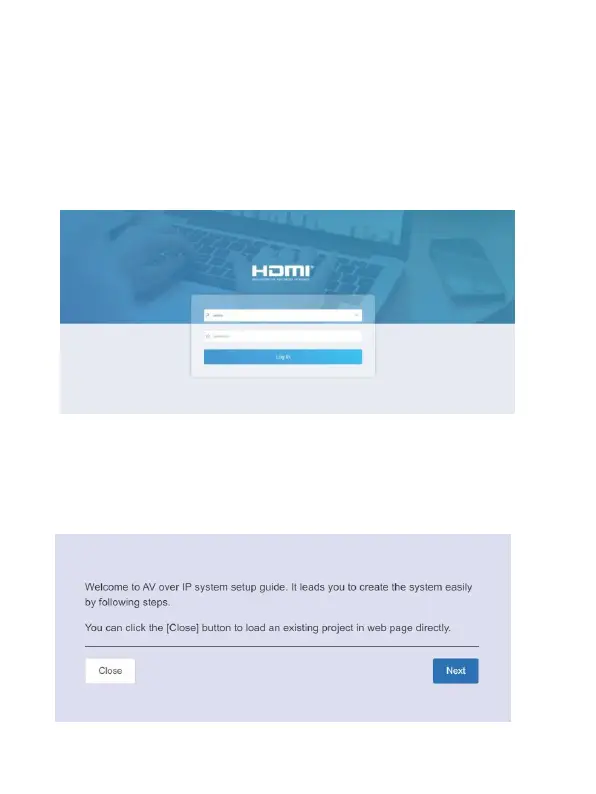
Step 1: Input the Controller’s default IP address (192.168.0.225) or the URL
(http://controller.local) into the Web browser address bar on the PC to enter
the Web GUI login interface.
Select the initial username (admin) and input the initial password (1234) on
the above login interface. Then, click “Log In” to enter the Web GUI
interface. For the first time, you need to setup the project, as shown in the
following figure:


 To Next Page