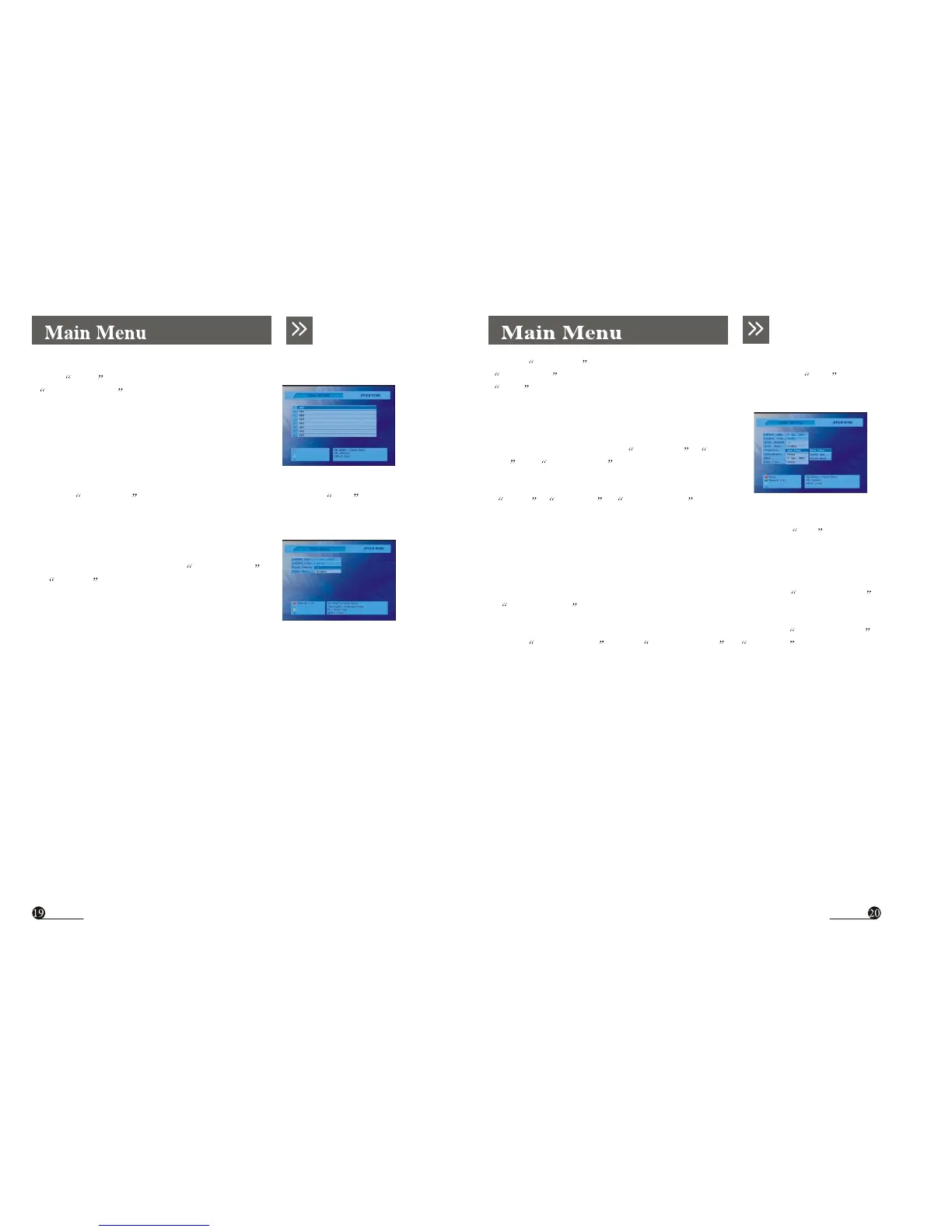
4.3 Timer Setting
From Scan menu (Fig 4.1), you can select
Timer Setting menu (Fig 4.8). This menu
can set 8 timers to make the receiver perform the
designated actions.
Fig4.8
Use the Up/Down button to select item, and change the parameters Use
Left/Right button. If you have completed the timer settings, use Red or
Blue button to save timer setting.
Timer Number: You can select up to 8 timers.
Timer Cycle: You can set the cycle of the action
designated in the timer mode. One Time , Every
Day and Every Week
Timer Service: You can set the timer service mode
Use the Up/Down button to select the timer. If you press OK to select a
timer, You can see the current setting state of this timer (Fig 4.9).
( Sleep , Wakeup , VCR Record ). Fig4.10
Date: You can set the starting date of the timer action if you press OK , calendar
action.
If you use this timer, please set Timer State
to Enable status. You can see a extended
menu (Fig 4.10).
Fig4.9
Start Time: You can set the starting time of the timer action.
Ending Time: You can set the ending time of recording when the Timer Service
is VCR Record .
Channel: You can select the program channel to record when the Timer Service
is set to VCR Record .When Timer Service is Wakeup , this channel
is viewed by receiver



 To Next Page