1..Requested Devices
Clear Date
TVSetting
Reset To Defanlts
Delete All Channels
Tv Aspect Ratio
16:9 Handling
Video Output
TV Type
1) Computer: offer new software and procedure for the digital terrestrial receiver.
2) Digital terrestrial receiver : The receiver which is going to be upgraded. (
short as receiver )
3) Upgrading cable for PC to Unit : A cross RS-232 cable
2.Operation
1) Turn off STB
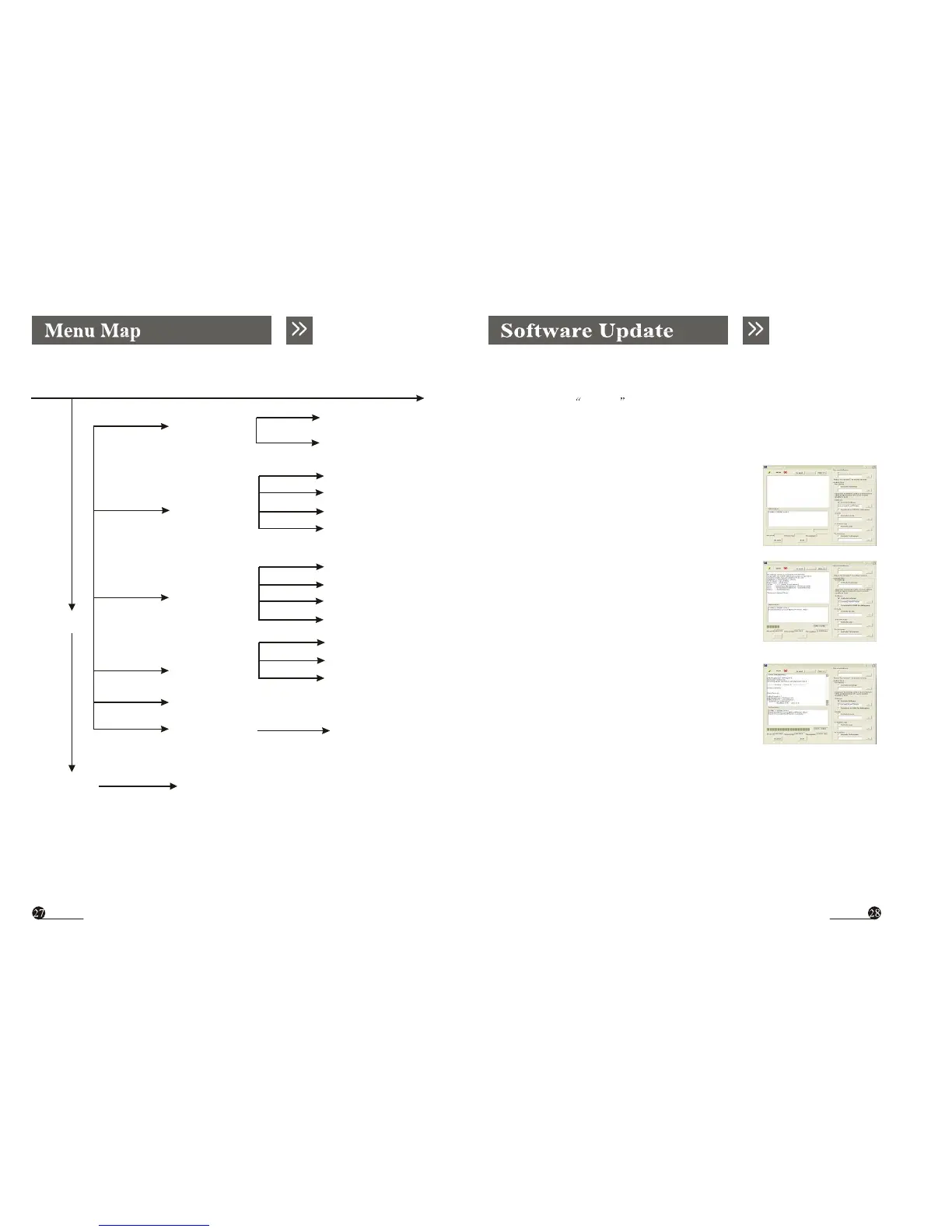
2) A .Open update tool Serial App 2.6.exe
B. Choose the Include Software in
Software column.
C. Choose the name & way of update file .
( see picture A)
Cofig
Set Time
System Update
System Information
Current Time
GMT Usage
Set Date
Set Time
Status
Progress
Exit
3 ) Turn on STB . You can see an window on the left
A
show as below :( see picture B)
At the same time you can see the progress in the below.
Bootstrap Version 108HY for AVA 9700
Copyright ( C) 1999-2003 LSI Logic Corporation
Creation date : Jun.21, 2004 11:35:01
Stepping : AviV 9700 B
B
SYS Clock : 121.5 MHz
TYPE : ??? [ SDR, 1X32 Mbits]
SCF : 0 x 8201135 D [ INIT] 0 X 82C 1135D
SCC: 0 x 010078A0 [ INIT ] 0 x 010078 A0
DLL: 0 x 00000368
Set Antenna
Antenna 5V
Game
Tetris
Time out : Update ? Auto
C
4). Update finished . ( see picture C )
If you want to update again, please click the Restart button , then repeat the
process from one to three.
5). Update LOGO
The process is the same . A. Choose the Include Logo in I Frame Logo.
B. choose the name &way of update file .



 To Next Page