EasyManua.ls Logo

smartheart 19-101 - User Manual

smartheart 19-101
24 pages
Print Icon
To Next Page IconTo Next Page
Loading...
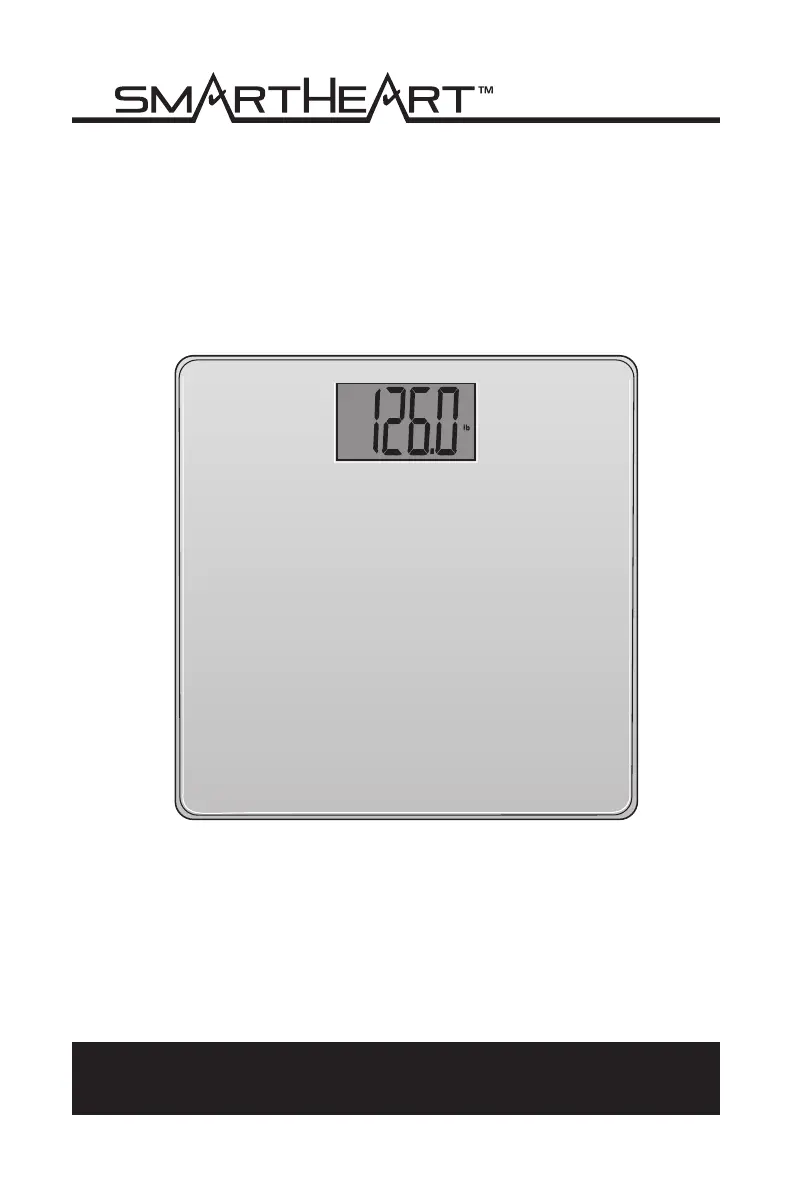
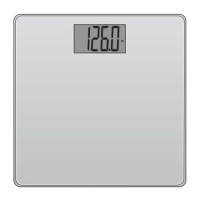
Digital Weight Scale
Model # 19-101
INSTRUCTION MANUAL
ENGLISH AND SPANISH
Please read this instruction manual
completely before operating this device.

Questions and Answers

  • X
    xrobinsonAug 5, 2025
    Why do my smartheart 19-101 Scales turn on and then immediately shut off?
    • C
      Curtis MartinezAug 5, 2025
      If your smartheart Scales turn on but then immediately shut off, it's likely due to low batteries. Replace the CR2032 battery with a new one to resolve this issue.
  • S
    Scott GardnerAug 15, 2025
    What to do if smartheart Scales LCD display is blank?
    • R
      Ryan RogersAug 15, 2025
      If the LCD display on your smartheart Scales is blank when you turn it on, it could be due to several reasons: * The battery might not be installed. * The battery might be installed incorrectly. * The battery might be depleted. To fix this: 1. Install a new CR2032 battery if one isn't already installed. 2. Check the polarity of the battery to ensure it's correctly oriented. 3. Try installing a new battery.
  • V
    vjonesAug 26, 2025
    What to do if smartheart 19-101 are overloaded?
    • M
      Maria CameronAug 26, 2025
      If the smartheart Scales are overloaded or have too much weight on them, stop using the scale.

Summary

Intention for Use

Care & Safety Information

Safety Precautions

Precautions for safe operation, including floor surface, wet feet, and proximity to electronics.

General Precautions

Covers device condition, repairs, disposal, and simultaneous use with other equipment.

Operating Environment Precautions

Details temperature and humidity limits for proper operation and potential errors.

Storage Environment Precautions

Specifies environmental conditions and precautions for storing the scale.

Cleaning Precautions

Provides instructions on how to clean the scale without damaging it.

Introduction

Product Overview

Scale Components

Identifies key parts of the scale, including the display, platform, battery compartment, and sensors.

Display Symbols

Explains the meaning of symbols displayed on the digital screen and their interpretation.

Battery Installation

Mode Selection

Instructions for Use

Best Practices for Results

Recommendations for accurate weight measurement, including timing, clothing, and surface conditions.

Step-by-Step Operation

Detailed instructions on how to step on the scale, stand still, and read the weight measurement.

Care & Maintenance

Device & Label Symbols

Symbol Meanings

Explains the meaning of common symbols found on the device, instructions, or packaging.

Troubleshooting & Error Codes

Error Code Identification

Lists common error codes like 'OVERLOAD' and 'Lo' with their descriptions and solutions.

Common Operational Problems

Addresses issues like blank display or scale shutting off immediately with troubleshooting steps.

FCC Information

FCC Compliance Requirements

Details FCC rules, conditions for operation, and measures to correct interference.

Specifications

One-Year Limited Warranty

smartheart 19-101 Specifications

General IconGeneral
Product NameSmartHeart 19-101
CategoryScales
Weight Capacity330 lb
Weight Increments0.2 lb
Power Source3 AAA batteries
Auto Power OffYes
Platform MaterialGlass
Dimensions30 x 30 x 2.5 cm

Related product manuals