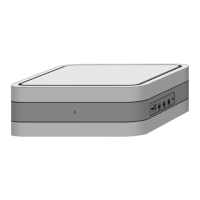
Set-top box SmartLabs SML-5041W1. User Manual
CAUTION: There is a risk of explosion if the battery is replaced by an incorrect type. Dispose of used batteries
according to the instruction in this manual.
Indicators and Slots
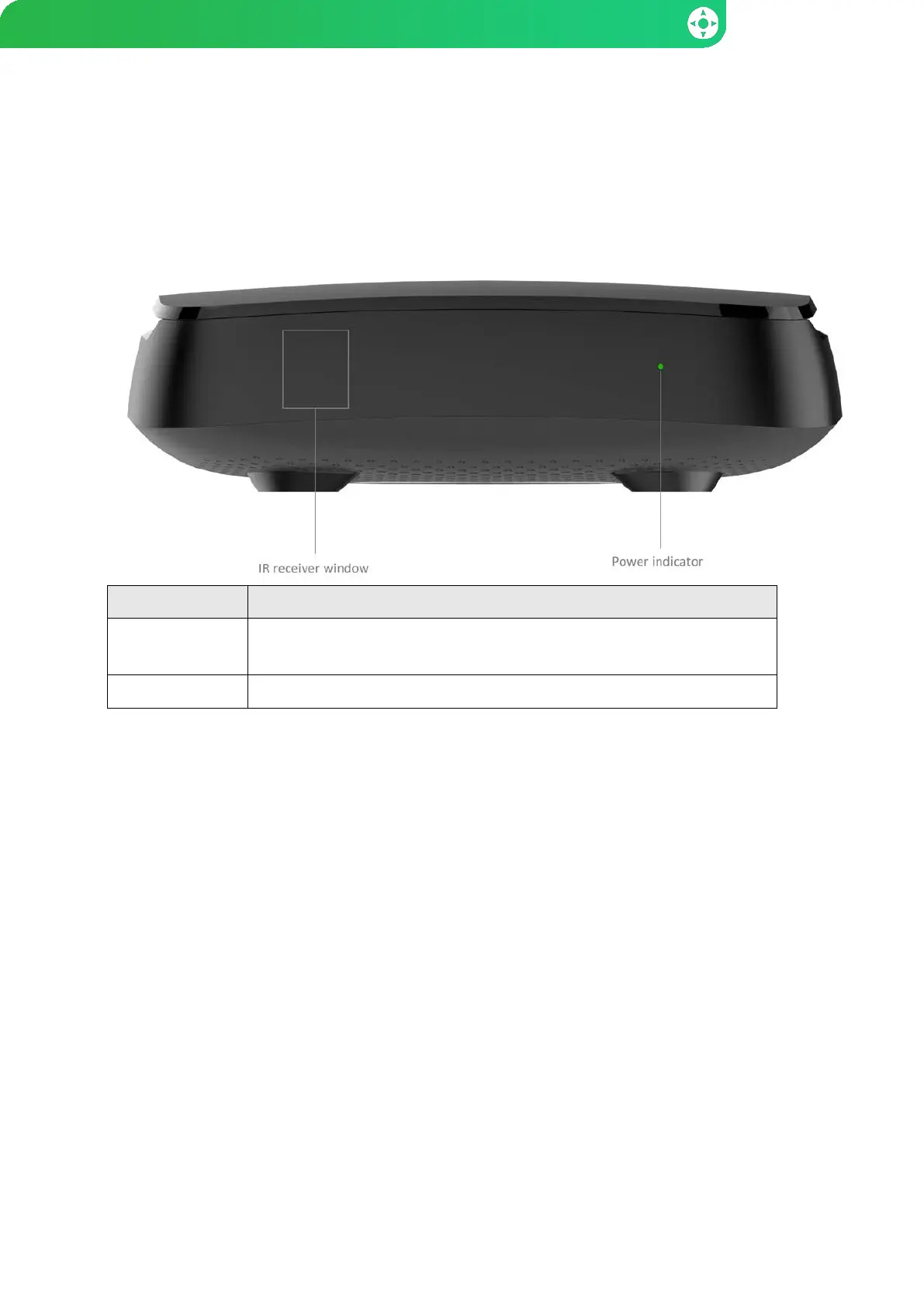
Front Panel
Element Purpose
Power indicator Green — STB is switched on and operates normally.
Red — STB is in the stand-by mode.
IR receiver The internal IR receiver is accepting signals from the IR remote control.
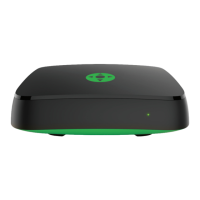
Note: the device appearance may differ from that shown in the picture.
– 4 –


 To Next Page