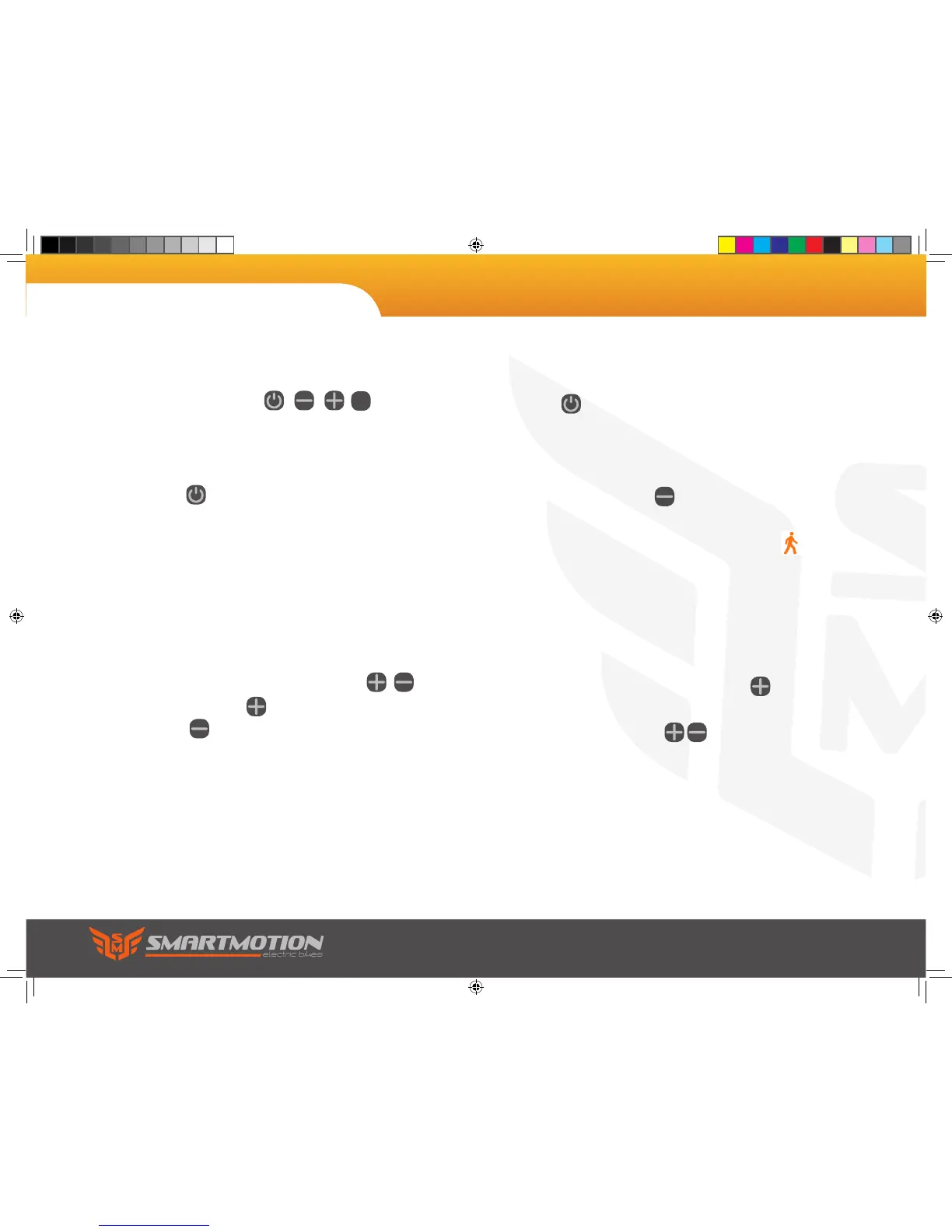
Your display is easily controlled with 4 buttons located
on your handlebars
Walk Mode
Press and hold down for 3 seconds to enter into
the mode of power assist walk. The bike will go on
at a uniform speed of 6km/h and display on the
screen.
Power On/Off
Press to start the display and power up the
bike. To turn off, press and hold the button for 2
seconds.
Note: the display will power off after 10 minutes
without use.
Change mode
Touch to change modes.
Pedal Assist
Pedal Assist is controlled with the
buttons. Touch to turn the assist up, and
touch to turn it down.
Night Mode/White Screen
With the display on, press and hold for 3
seconds to enter the dim black background (night
mode). Press and hold for another 3
seconds and it will flip to a white background.
7. LCD Display Panel Controls
SET
Sonic user manual.indd 16 9/4/2017 3:50:57 PM


 To Next Page