4 5
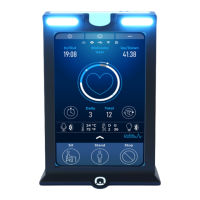
This manual will guide you through the process of installing and conguring
your Smartpods Pulse unit for use with your desk.
Before Installing:
It is strongly suggested to move the desk to its minimum and maximum heights
using the original desk handset before beginning the installation. This ensures
the desk is functional, no obstructions are present and that no cable issues are
present (e.g. no cables are too short, getting caught/binding when desk moves).
You should also ensure there is a 1” gap around all edges of the desk to prevent
collisions.
Tools needed:
Congratulations
on your purchase of Smartpods Pulse.
1. #2 Philips screwdriver/drill
2. #1 Philips screwdriver/drill
3. Measuring tape (centimetres)
4. Optional: Additional cable ties/Velcro wrap for wire management


 To Next Page