6 7
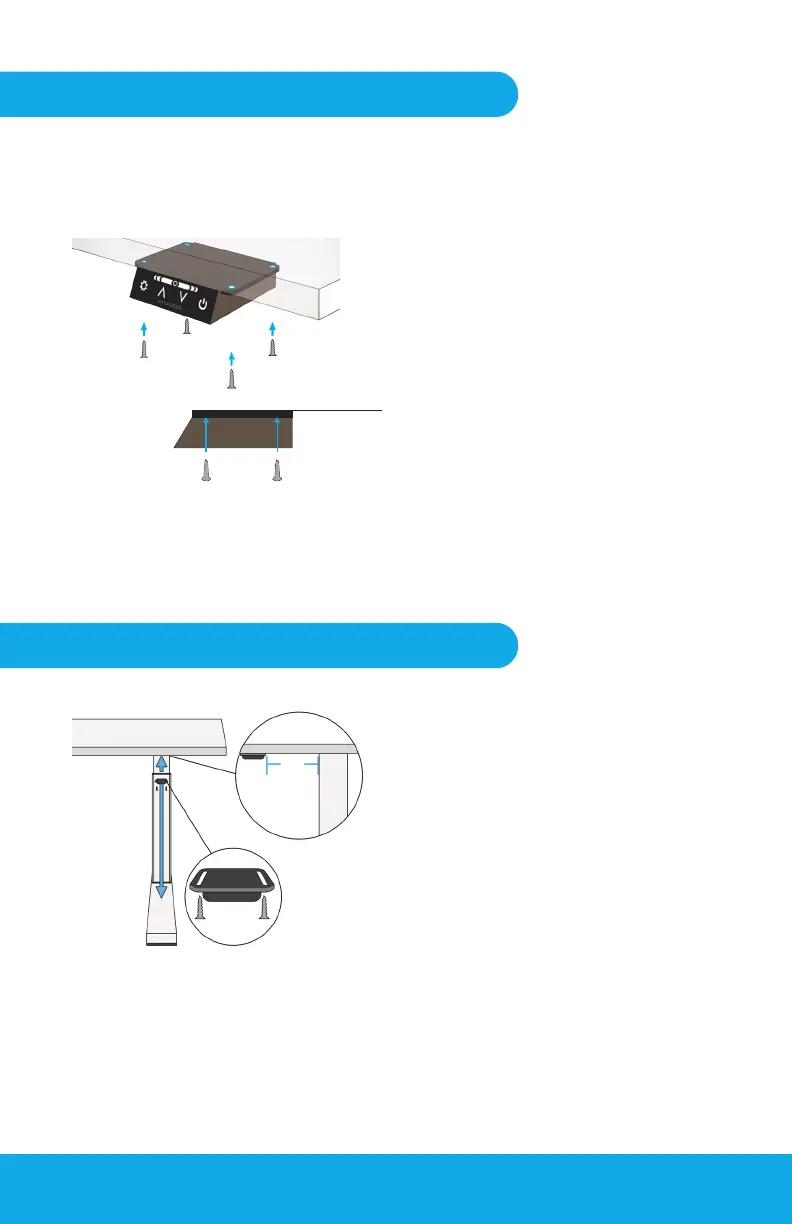
Step Two: Setting up the Pulse Control Box
Step Three: Setting up Height Sensor
Fig 2-1
Fig 2-2
Fig 3-1
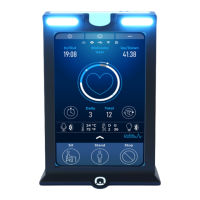
Control Box Parts
Secure Control Box to the Desk
Bottom Right: Side View
Remove or reposition the original
hand controller on the desk.
Remove the Pulse Control Box and
four (4) of the #10 wood screws
(large) from the Installation Kit.
Attach the Control Box under the
front-right side of the desk, within
12” of the right edge.
NOTE: Must be mounted on
the right to properly detect
presence of the user.
1.
2.
Locate the Pulse Height Sensor
and two (2) #4 wood screws
(small). Plug the Height Sensor into
the Control Box and attach under
the desk. Place sensor over the
foot of the desk (if available) and
at least 3” in front of the desk leg/
column.
3+“
Height Sensor
Side View
Leg
3.


 To Next Page