Please take note of the following:
●
When the wireless sensor detects that the outdoor temperature
falls below -4°C (24.8°F) in a rainy day. The weather forecast will
display snowy (The default detection temperature is from CH1 to
CH2, CH3).
19
13. Weather Forecast
13.1 Weather Forecast Statement
●
The weather station calculates weather forecast for the next 12
hours based on the barometric pressure trend.
●
The weather forecast can’t be compared with the professional
weather services supported by satellites and high performance
computers. It provides an approximate indication of current
developments.
●
Please take the weather forecast from local weather station as
authoritative.
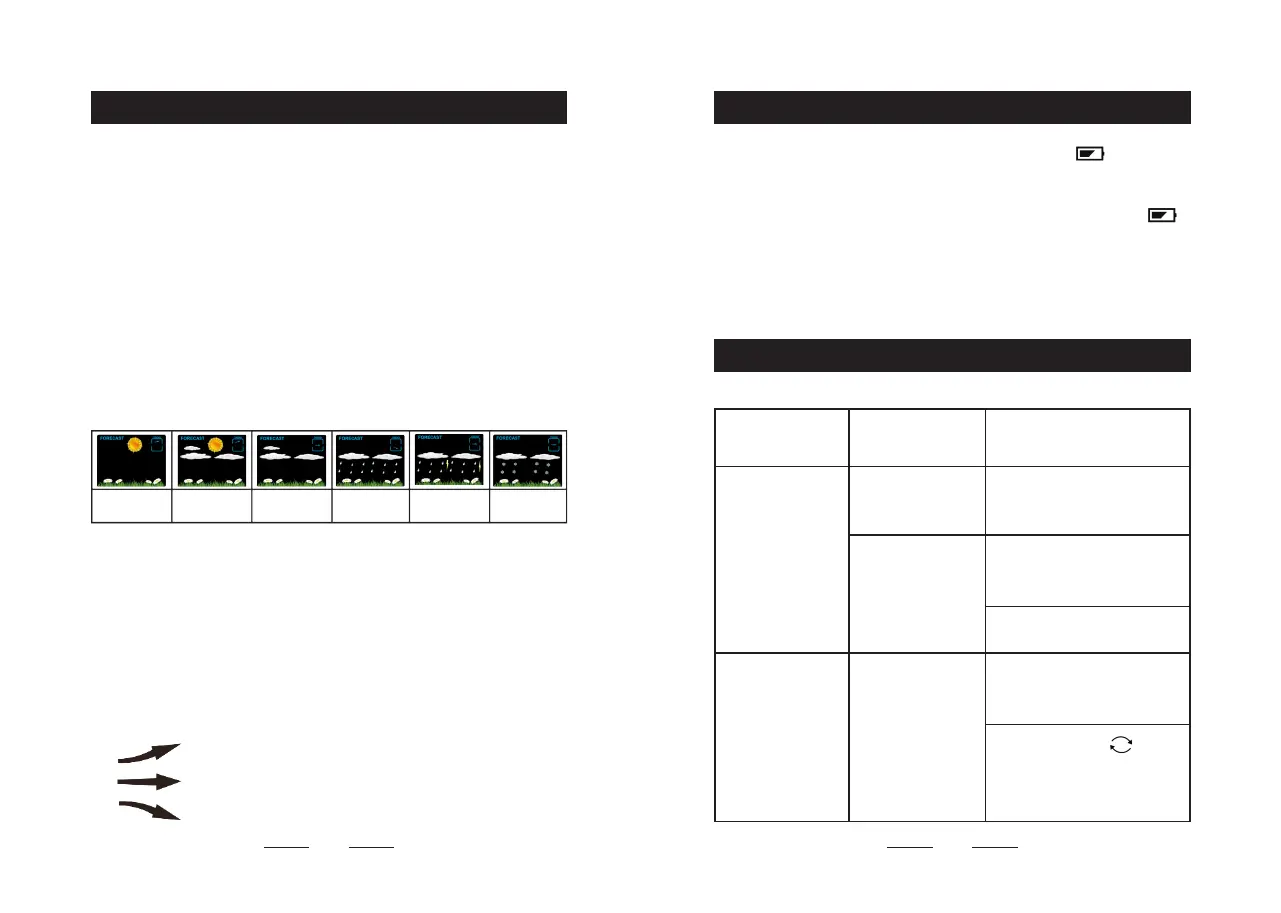
13.2 The Symbols of Weather Forecast
slightly cloudy cloudy rainy heavy rainy snowysunny
13.3 Barometric Pressure Trend
You may see the following symbols:
The barometric pressure will rise.
The barometric pressure will remain constant.
The barometric pressure will fall.
14. Low Battery
15. Troubleshooting
●
If the " INDOOR " column displays battery icon " ", you need
to replace the weather station's battery as soon as possible.
●
If the " OUTDOOR REMOTE " column displays battery icon " ",
you need to replace the outdoor sensor battery corresponding to the
current displayed channel.
20
PROBLEM CAUSE COUNTERMEASURE
No projection or
backlit.
Clock did not
connect with DC
power adapter.
Connect the clock with DC
power adapter.
Backlit or
projection was
turned o.
Press " SET " button
to adjust the backlit
brightness.
Switch on the projection.
Projection not
clear.
Projection
distance is too
close or too far.
Keep the projection
distance to 3.3 ~ 9.8 ft (1 ~
3 m).
Press and hold "
"
button for 3 seconds to
adjust the brightness of
projection from low to high.


 To Next Page