Start
Channel2
Time: 01m 20s
Timer
Profile
Beef
Well Done
174°F
131 °F
Profile
Channel3
Pair
Channel1
Doneness:
Add Del
Well Done
Medium Rare
Rare
Beef
Veal
Lamb
Pork
Chicken
Turkey
Fish
Hamburger
171°F
145°F
140°F
+
+
+
Medium
160°F
+
15
(b)
(f)
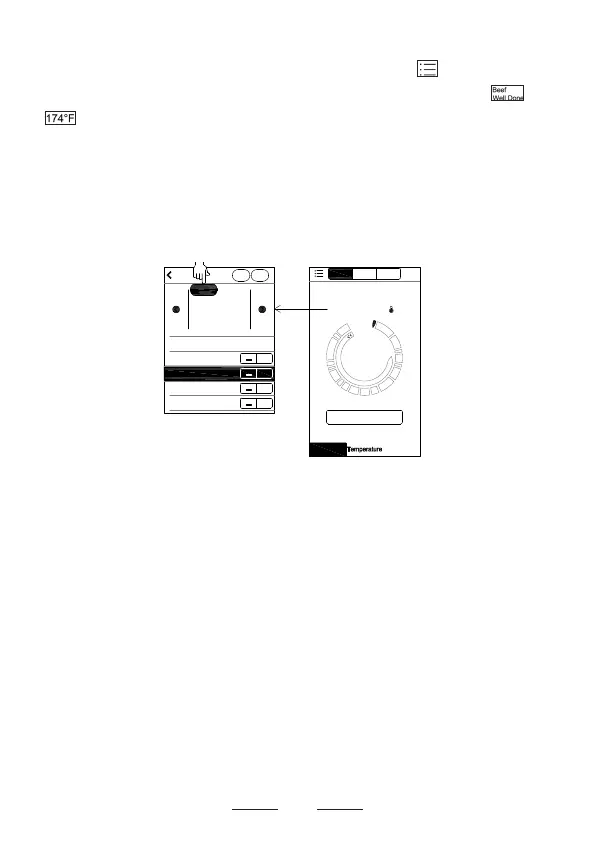
● On the top left of screen (d), tap the to return to
screen (e). Tap
Home
to return screen (b). Tap or
on screen (b). This brings you to screen (f). Select
the type of meat you are cooking. Most common meat
options are listed as pre-set selections. To cook a meat
/food selection which is not on the list, tap
Add
at top
right of screen to create additional meats / foods.
● After you choose the type of meat you are cooking, you
can select your preferred level of doneness on screen (f)
under
Doneness
. Tap a pre-set doneness temperature
from Well Done to Rare. Temperature can be adjusted
up and down 2°C ( 3°F- 4°F ). Once you have selected
your level of doneness, tap the back arrow at top left of
your screen to return to screen (b).


 To Next Page