8
APP DOWNLOAD AND INSTALL
- Please download and install the "OMGuard HD” APP to your device.
For iOS For Android
APP Setup
1. In the Wi-Fi setting section of y
our smart phone/tablet, search for VD40W SSID
(example: HD-XXXXXX) and connect. The default password is 12345678.
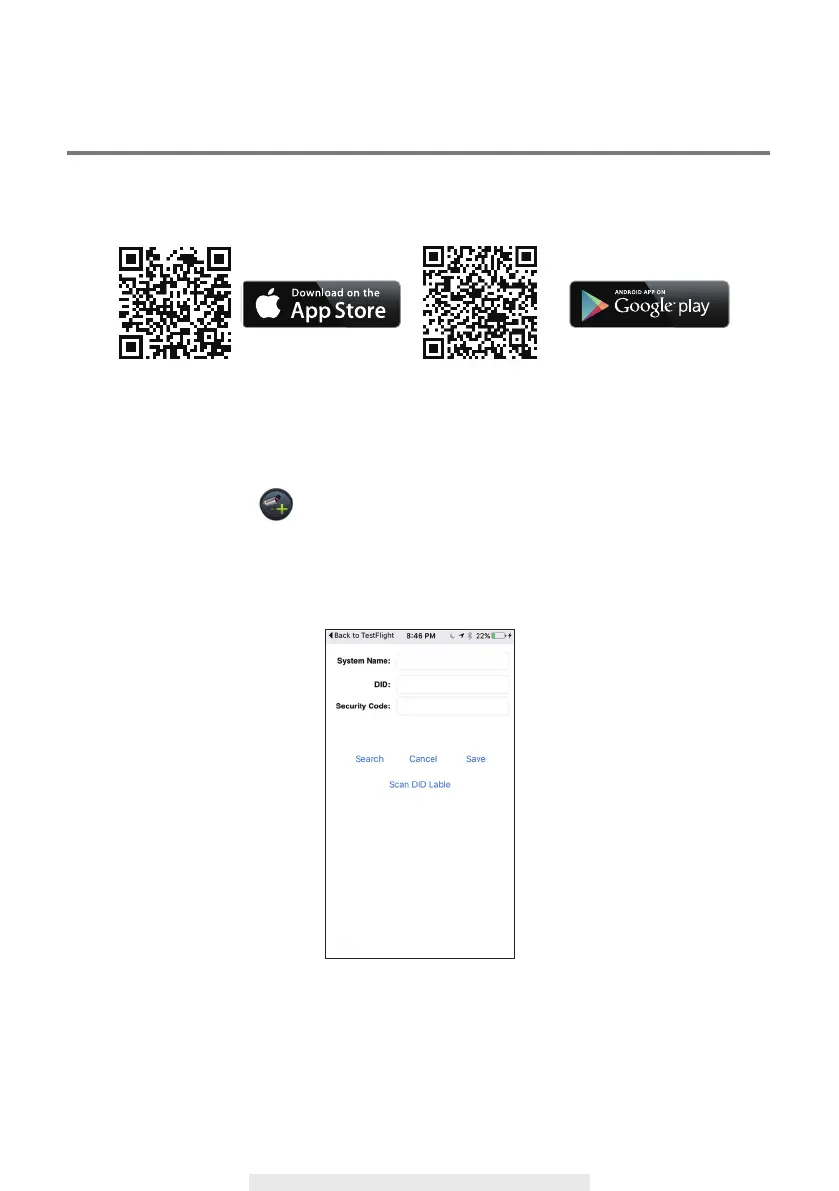
2. Launch the app and tap to add VD40W
3. Tap Search to pull in DID information, or enter the DID
manually.
4. Enter name for your VD40W (maximum 20 characters).
5. Enter default Security Code 123456.
6. Tap "Save".

 To Next Page
 Loading...