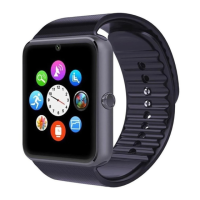
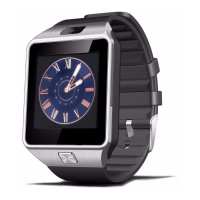
Will allow you to configure the Bluetooth DZ09:
- Bluetooth: Activate or deactivate the Bluetooth smartwatch
- Make visible: allow other devices to connect to the smartwatch
- Name: customize the name of your smartwatch which is visible to others dispositives.
• Profile
Change the profile by selecting from one of the different modes.
• Browser
Use this application to open the web browser. You will need a SIM inserted in the DZ09 to use
Internet. Not in all regions this option is enabled.
• FM Radio
With this application you can listen to FM radio. You need a headset microUSB To use this
feature.
• Settings
Using this application you can set the date and time, change the language system, configure
calls and notifications as well as security and restore the smartwatch to its factory settings.
- To perform the factory settings you need to insert the code 1122 security.


 To Next Page