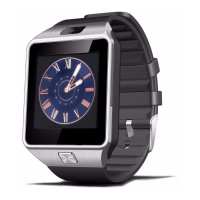
The DZ09 is blocked automatically if not used for a certain time. To unlock the smartwatch
Press the ON / OFF button.
12. Basics to Touch Pad
a. Touch Pad Use only one finger to manipulate the touch screen - Do not allow the touch
screen to come into contact with other electrical devices. The Static electricity can cause
malfunction of the panel.
- To avoid damaging the panel, do not press the screen with any sharp object. no press screen
with excessive pressure.
- Turn off the screen when you are not using. A static image displayed in the screen for a long
time can burn and cause LCD images ghosts.
b. Clock While using the DZ09 you can press the ON / OFF button to switch to the clock display.
Touch the screen to select a clock type.
c. Call functions Call functions Make a call: In the HOME menu press the phone icon, enter the
phone number using the keypad, then press the green button to the call. Another way to make
a call is through contacts. On the menu HOME click the Contacts icon and you can make a call to
that contact.
During a call: We may perform the following actions: - Adjust the volume - Disconnect the
microphone - Open the keyboard - End the ongoing call


 To Next Page