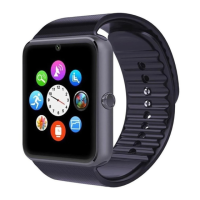
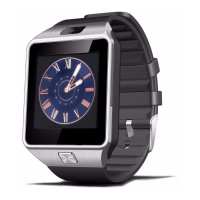
The DZ09 can be damaged if it gets wet or dusty inside the device. The following
recommendations ensure prevent damage to the device:
- Do not immerse in water DZ09.
- Do not expose the device to strong flows of water as the flow of a tap, waves sea, waterfalls,
...
- If your hands are wet, dry them thoroughly before handling the device.
- If the device is dropped or an impact, it can be damaged.
- If the device is immersed in water, the microphone or speaker is wet, sound
You can not be heard clearly during calls. Make sure that the microphone and speaker are clean
and dry.
- The touch panel can not respond correctly if the screen is wet with water or other liquids.
7. Battery Charging
Charge the battery before using DZ09 first. You can use a PC to load the device using the USB
port.
- When the battery level is low, the battery icon will also be empty
- If the battery is fully discharged, the power will not turn DZ09 immediately after connecting
the charger. Wait for the battery to charge for a few minutes to turn the DZ09.
Connect the charger improperly can cause serious damage and negating DZ09 product
warranty.
- If the DZ09 receives an unstable voltage while charging, the touch panel will leave working. If
this happens, disconnect the charger from smartwatch.


 To Next Page