10
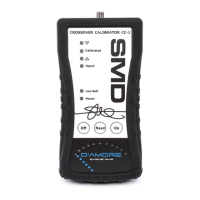
2. Connect the CC-1 to an electronic crossover’s
outputs by plugging an RCA from the
crossover’s outputs to CC-1’s input or use the
included harness to connect the CC-1 to the
amplifier’s speaker outputs; Red to speaker (+)
and Black to battery ground. Note: On some
amplifiers the right channel’s output may actually
be on the speaker (-) terminal. In this case,
connect Red to speaker (-) and Black to battery
ground.
3. If the unit is already on, switch the CC-1 off by
holding the OFF button for 1 second. (This
must be done to initalize the program mode)
Now switch CC-1 power on by pressing the ON
button.
4. Set the source unit’s volume to zero.
5. Select the track on the CD that corresponds to
the desired crossover frequency. Play track on
repeat. (Track list on pages 16, 17)
6. Set the Infrasonic Filter to off or defeat. Skip to
step 8.
7. If the Infrasonic Filter cannot be turned off, turn
the Infrasonic Filter frequency to its lowest
setting.
8. Turn up the source unit volume until you see the
Signal LED illuminate green. If the LED turns
Red, this indicates the volume is too high. Turn
volume down until the LED remains green.
9. When the Signal LED remains Green, press the
READ button.
10. Set the Infrasonic Filter switch to on if it has one.


 To Next Page