7
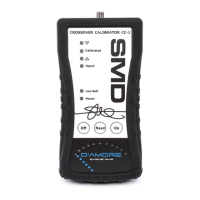
8. Turn up the source unit volume until you see the
Signal LED illuminate green. If the LED turns
Red, this indicates the volume is too high. Turn
volume down until the LED remains green.
9. When the Signal LED remains Green, press the
READ button.
10. Set crossover switch to Low Pass if it has one.
11. Using the LEDs at the top of the CC-1, slowly
turn the crossover frequency adjustment pot
until the CALIBRATED LED illuminates.
12. Congratulations, you have just set the crossover
frequency perfectly!


 To Next Page