Use
23
EN
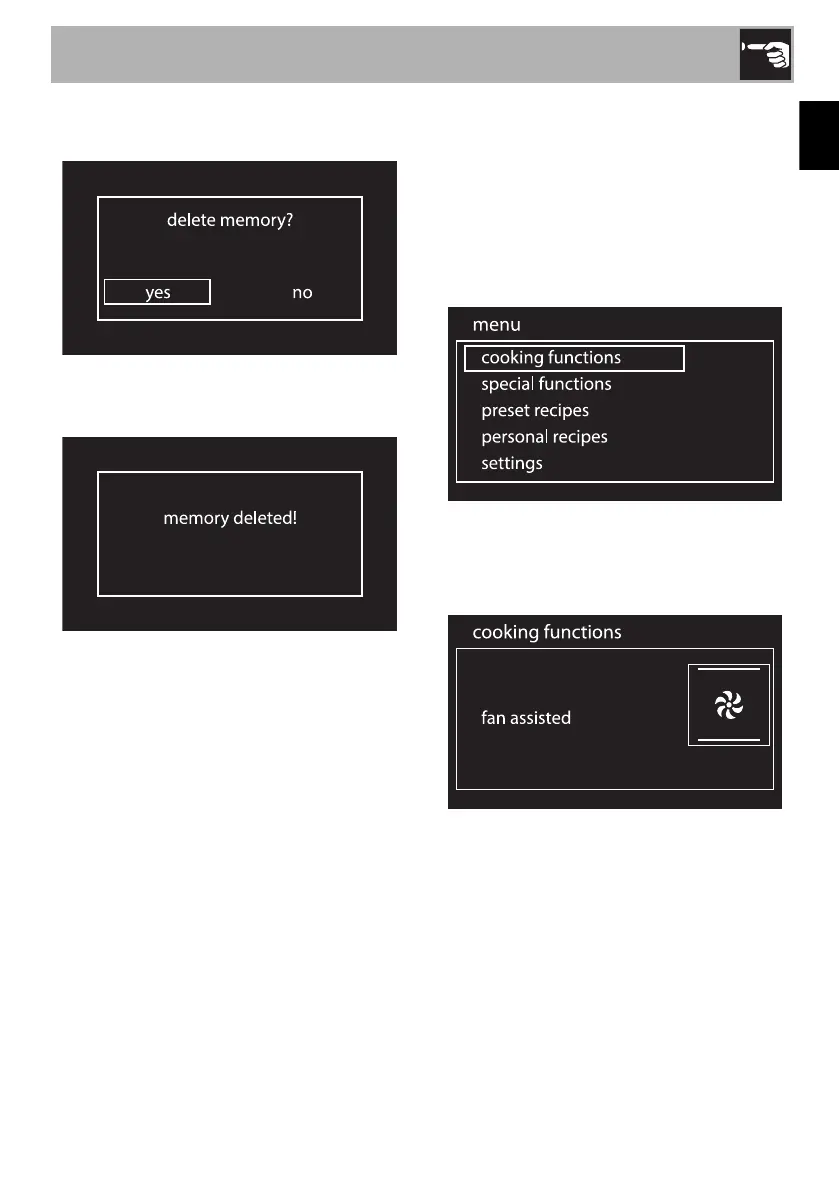
2. Press and hold down the control knob for
a few seconds.
3. Select yes if you wish to delete the
memory.
Cooking functions
1. On the clock screen, press the control
knob to access the main menu.
2. Turn the control knob to the right or left to
select cooking functions from the main
menu.
3. Press the control knob to confirm.
4. Turn the control knob to select the
required function.
5. Press the knob to confirm the selection.


 To Next Page