User instructions
18
CANCELLING THE CURRENT PROGRAM
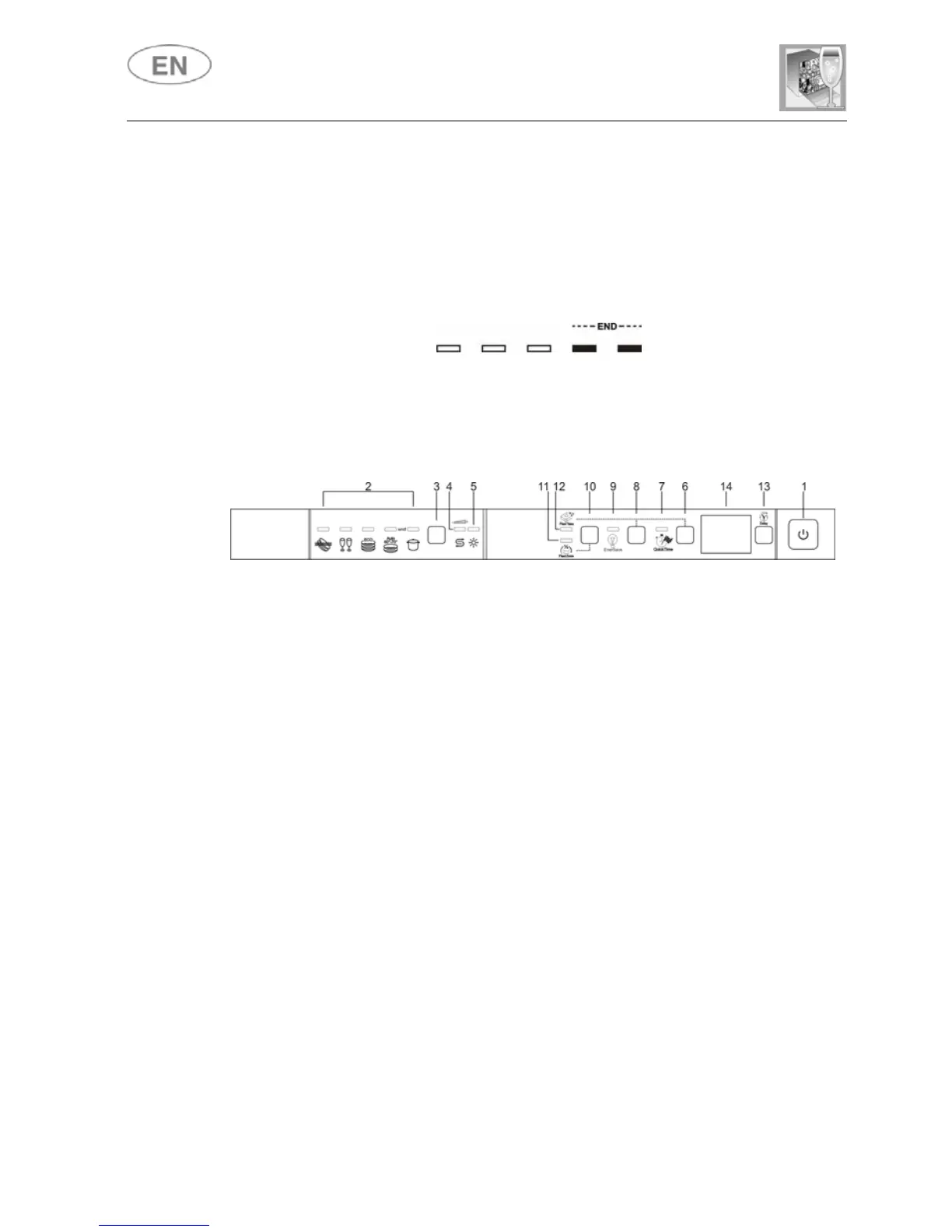
• To cancel the currently selected program, open the door and hold
down the PROGRAM SELECTION (3) button for a few seconds
until the indicator lights for programs 4 and 5 illuminate
simultaneously (the word "end" is displayed on the window).
• Close the door.
• After approximately 1 minute the dishwasher will advance to the end
of cycle.
CHANGING THE PROGRAM
To change the program in progress, simply open the door and select a
new program. When the door is closed the dishwasher will automatically
select the new program.



 To Next Page