Instructions for the user
94
8.7.2 Setting the cleaning cycle
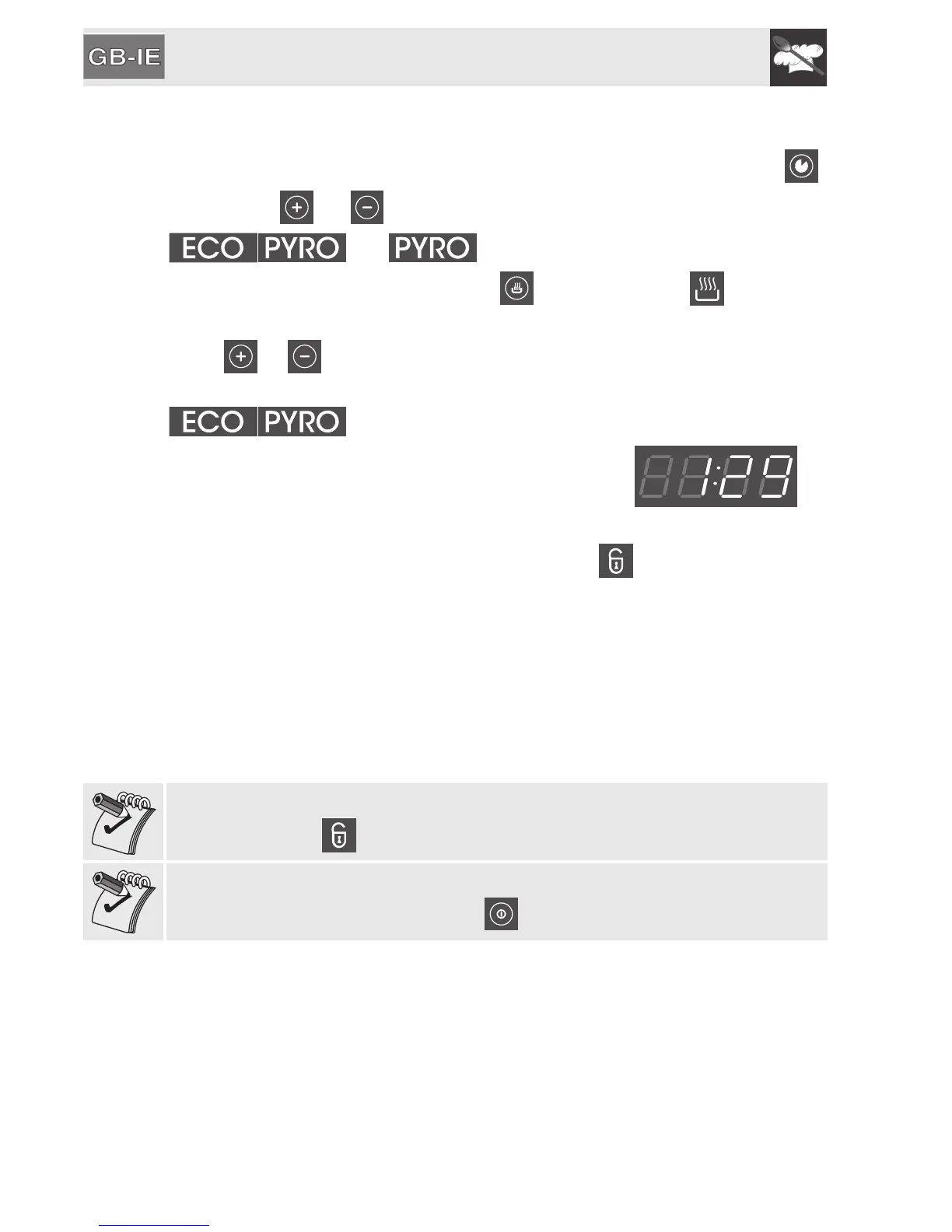
In ON mode (see 6.5 Operating modes), press the function selection key ,
using either or to select one of the two cleaning cycles between
and .
To start the cleaning cycle (Pyrolysis), must be pressed. will light up
to indicate that it is now possible to set the cycle duration.
Press or to increase or decrease the duration of the cycle between a
minimum of 1h 30m and a maximum of 3h 00m (apart from the
cycle where the duration is set at 1h 30m).
The time remaining to the end of the cleaning cycle
will also be displayed.
One minute after the cleaning cycle (Pyrolysis) starts, the door lock device will
be tripped, preventing the door from being opened. will light up to indicate
that the locking device has been activated.
At the end of the cleaning cycle the locking device will remain active until the
temperature inside the oven has reached a safety threshold. When the oven has
cooled down, collect the residues from automatic cleaning with a damp
microfibre cloth.
To select a delayed cleaning cycle, after selecting the duration, proceed as for
a normal programmed cooking operation, see “6.11.2 Programmed cooking
procedures”, the principle is the same.
It is not possible to select any functions once the door locking device has been
activated. Wait for to go out.
If it should be necessary to interrupt the cleaning function, switch the appliance
off completely by pressing the symbol for 2 seconds.



 To Next Page