Instructions for the User
9
3.1 Control panel
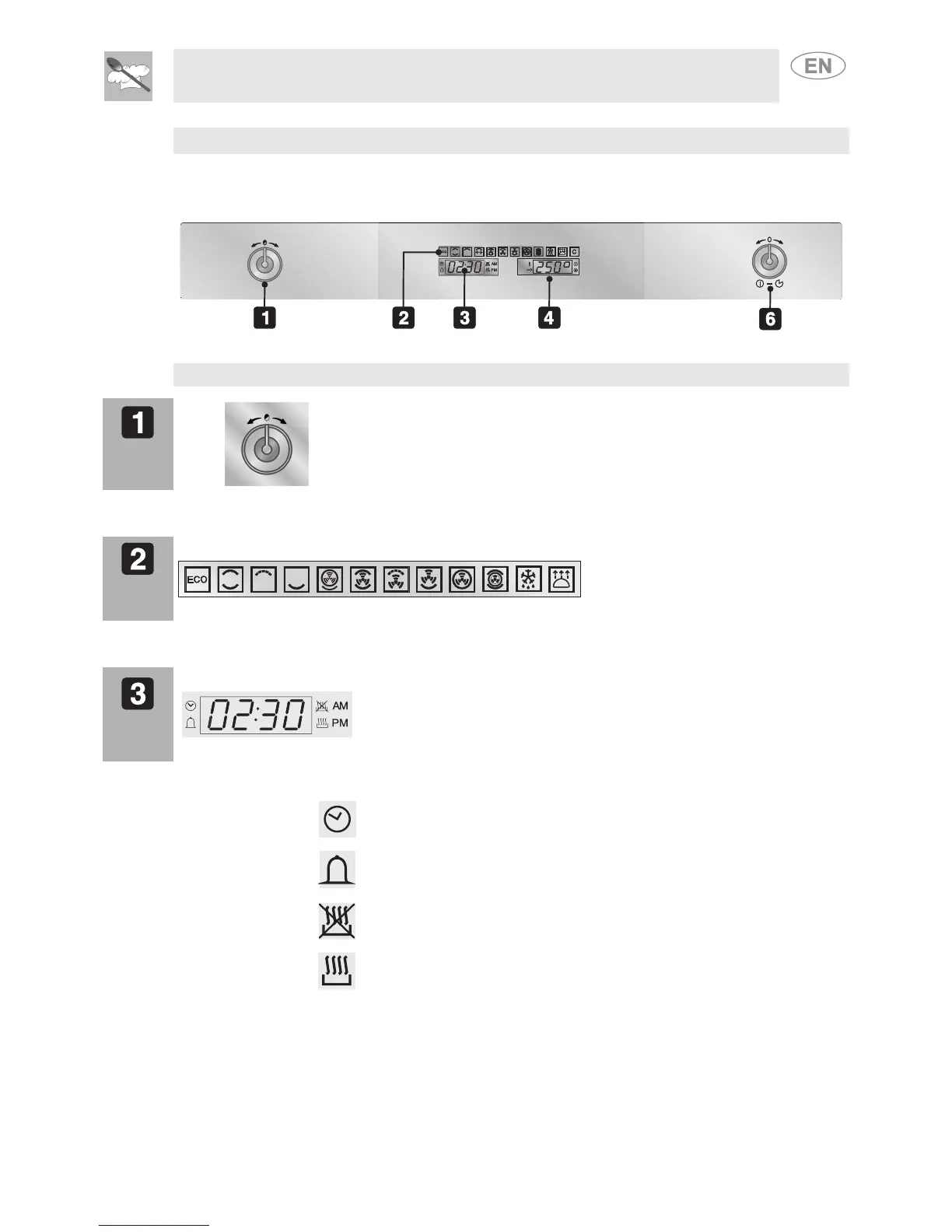
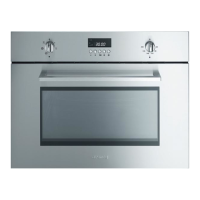
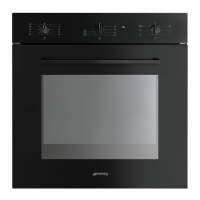
All the appliance's control and monitoring devices are located together on the front panel. The symbols
used are described in the table below.
Oven functions and symbols:
PT1
FUNCTION
THERMOSTAT
KNOB
allows to set the time, select the cooking temperature
and time and program the timed cooking start and
stop times.
DSP3
Selectable functions
DSP1
DISPLAY
CURRENT TIME
PROGRAMMED
COOKING
PROCEDURES
This display shows the current time or the cooking
time.
The turning on of the following symbols indicates:
Clock: adjusting the cooking time
Bell: timer alarm activated.
Delayed start: setting the cooking time with a delayed start.
Cooking time: setting the cooking time.



 To Next Page