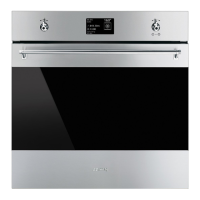
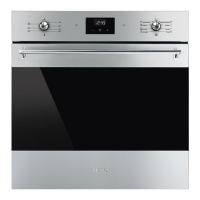
Making permanent changes to a
program
1. Inside the selected preset program, turn
the control knob to the left or right to
select change from the menu of the
selected dish.
2. Press the control knob to confirm.
3. Turn the control knob to the right or left to
select the function to associate with the
preset program.
4. Press the control knob to confirm.
5. Turn the control knob to the right or left to
select the weight to associate with the
preset program.
6. Press the control knob to confirm.
7. Turn the control knob to the right or left to
select the duration to associate with the
preset program.
8. Press the control knob to confirm.


 To Next Page
 Loading...