9 - Operation and use
76
The parameter can always be displayed but can be configured only in the PROGR 2nd level
menu.
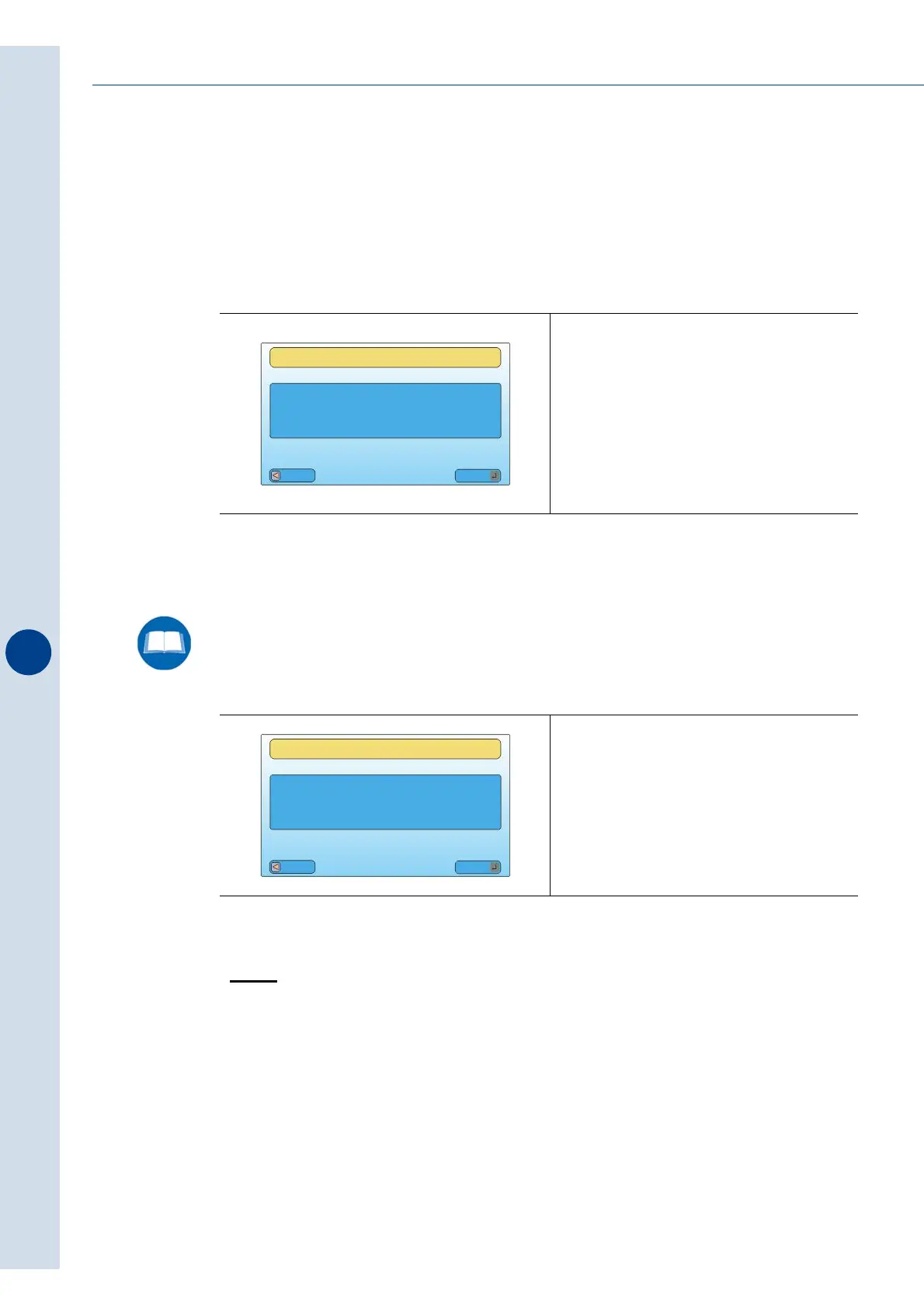
5 - Sealing bar speed
Adjust the closing speed of the sealing bar. Set the value for the nominal motor speed in %.
6 - Sealing bar opening position (only FP6000)
Allows you to adjust the opening position of the sealing bar according to the height of the
product to be wrapped.
>PACK
This menu allows you to adjust the management parameters of the machine pertaining to the
dimensions of the products to be packaged.
1 - Multipack
Activating this parameter is necessary when problems arise in terms of checking the length of
products that have irregular shapes.
• By enabling packaging it is managed with the "PACK LENGTH" parameter.
• By disabling packaging it will be automatically managed by the photocells of the machine
that calculate the dimensions of the product.
Fig. 9.13.8
(value from 40 to 160%)
Fig. 9.13.9
(value from 60 to 190 mm)
100
SEALING BAR
SEALING BAR SPEED
[%]
Esc
Mod
XXX
SEALING BAR
SEALING BAR
OPENING POSITION
[mm]
Esc
Mod



 To Next Page