EasyManua.ls Logo

Smith & Nephew RENASYS GO Series - User Manual

Smith & Nephew RENASYS GO Series
513 pages
Print Icon
To Next Page IconTo Next Page
Loading...
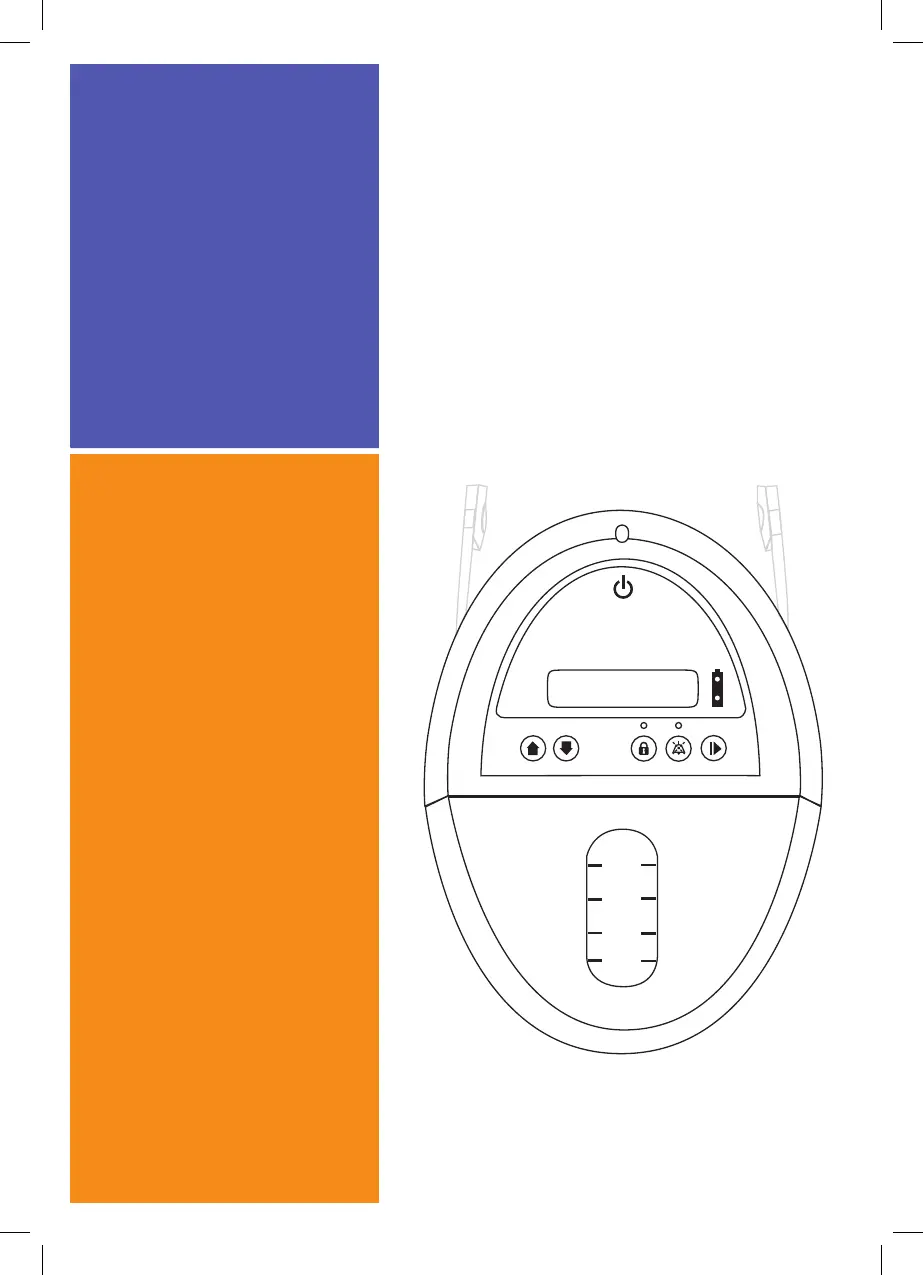
Home Healthcare
User Manual
REF 66801496
200ml
100ml
50ml
300ml
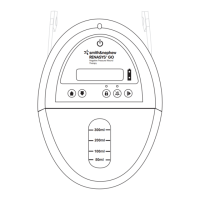
RENASYS™ GO
Negative Pressure Wound
Therapy
*smith&nephew
*smith&nephew
RENASYS™ GO
Negative Pressure Wound
Therapy

Table of Contents

Other manuals for Smith & Nephew RENASYS GO Series

Questions and Answers

  • J
    Jeremy CharlesAug 13, 2025
    What to do if Smith & Nephew RENASYS GO shows a high vacuum alarm?
    • P
      Preston BradfordAug 13, 2025
      If your Smith & Nephew Medical Equipment shows a high vacuum alarm, it indicates a potential line blockage or device malfunction. To resolve this: 1. Turn the device OFF by pressing and holding the power button for 2 seconds. 2. Inspect all connections and tubing for obstructions, ensuring there are no kinks in the canister tubing. 3. Replace the canister. 4. Turn the device back ON by pressing and holding the power button for 2 seconds. If the alarm continues, the device may have malfunctioned; contact your Smith & Nephew authorized representative.
  • S
    Stephanie StantonAug 18, 2025
    What to do if Smith & Nephew RENASYS GO Medical Equipment shows an over vacuum alarm?
    • S
      Shelby DavisAug 18, 2025
      If your Smith & Nephew Medical Equipment displays an over vacuum alarm, it means the device has reached a high vacuum level. To resolve this: 1. Turn the device OFF by pressing and holding the power button for 2 seconds. 2. Inspect connections and tubing for obstructions, ensuring there are no kinks in the canister tubing. 3. Replace the canister. 4. Turn the device back ON by pressing and holding the power button for 2 seconds. If the alarm persists, the device may have malfunctioned. Contact your Smith & Nephew authorized representative.
  • J
    Julie JensenAug 27, 2025
    What does the inactive alarm mean on Smith & Nephew RENASYS GO?
    • B
      bgreenAug 27, 2025
      The inactive alarm on your Smith & Nephew Medical Equipment indicates that the device has been in standby mode without any key presses for more than 15 minutes. To resolve this, either select a pressure setting and start therapy or turn the device OFF until therapy is required.
  • S
    Steven CarlsonNov 2, 2025
    What to do if there is a high flow/leak alarm on Smith & Nephew Medical Equipment?
    • K
      Kimberly FergusonNov 2, 2025
      To address a high flow/leak alarm on your Smith & Nephew Medical Equipment, start by checking the wound dressing for air leaks. Look for loose areas, listen for air movement, and feel for cooler temperatures. Seal any leaks with transparent film or adhesive gel. Next, ensure all connections are secure, including the orange quick click connectors between the Soft Port and canister tubing, the canister's engagement with the device, and any Y-connector orange quick click connectors if present. If the issue persists, disconnect the Soft Port from the canister tubing at the orange quick click connector and insert the tethered cap into both connectors. If the alarm continues, there may be a problem with the device or canister, and you should replace the canister and contact your Smith & Nephew a...
  • A
    Andrew DavisNov 7, 2025
    What to do if Smith & Nephew RENASYS GO Medical Equipment shows a low vacuum alarm?
    • A
      Austin BradleyNov 7, 2025
      If your Smith & Nephew Medical Equipment displays a low vacuum alarm, it means the device isn't reaching the selected vacuum level, possibly due to a leak or internal malfunction. First, check the wound dressing for air leaks by looking for loose areas, listening for air movement, and feeling for cooler temperatures. Seal any leaks with transparent film or adhesive gel. Next, ensure all connections are secure, including the orange quick click connector between the Soft Port and canister tubing, the canister's secure engagement with the device, and any Y-connector orange quick click connectors, if present. If the issue continues, disconnect the Soft Port from the canister tubing at the orange quick click connector and insert the tethered cap into both connectors. If the alarm persists, ther...
  • E
    espenceNov 22, 2025
    What to do if Smith & Nephew RENASYS GO Medical Equipment shows complete blockage/canister over-capacity?
    • S
      suzannejacksonNov 22, 2025
      If your Smith & Nephew Medical Equipment indicates a complete blockage or canister over-capacity, it means there's a blockage in the system or the canister is overfilled. First, check the canister and replace it if the contents have reached the maximum volume. Next, inspect connections, tubing, and the Soft Port aeration disc for obstructions, ensuring there are no kinks in the canister tubing. Disconnect the Soft Port from the canister tubing at the orange quick click connector and insert the tethered cap into the Soft Port connector, allowing air to flow freely into the canister tubing. If the alarm continues, there may be an issue with the device or canister; replace the canister and contact your Smith & Nephew authorized representative. If the alarm resolves, a blockage is present with...

Summary

Introduction to RENASYS GO Therapy

When to Use and Not Use the RENASYS GO Device

Indications for RENASYS GO Use

Lists wound types suitable for RENASYS GO therapy.

Contraindications for RENASYS GO

Lists conditions where RENASYS GO therapy is not recommended.

RENASYS GO System Features Overview

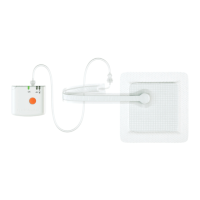
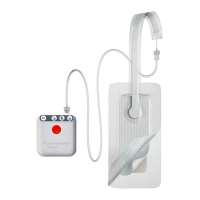
RENASYS GO Device Overview

Detailed diagram and labels of the RENASYS GO device components.

RENASYS GO Canisters

Details the 300ml and 750ml canisters, including clips, viewing window, and connectors.

RENASYS GO Proper Use and Orientation

Illustrates the correct and incorrect orientations for using the RENASYS GO device.

RENASYS GO Power Connection

Explains the power connection, DC cord, and power supply for the RENASYS GO device.

RENASYS GO Device Operation Guide

Confirming RENASYS GO Device Operation

Explains how to confirm device operation using indicators and display.

RENASYS GO Battery Operation

Describes device battery usage, charging, and status indicators.

RENASYS GO System Setup Instructions

RENASYS GO Device Setup

Guides powering on the device and understanding therapy modes.

Disconnecting the RENASYS GO Dressing

Provides instructions for safely disconnecting the wound dressing from the device tubing.

Attaching a New RENASYS GO Canister

Details the procedure for replacing an old canister with a new one.

Reconnecting the RENASYS GO Dressing

Explains how to reconnect the wound dressing tubing to the canister tubing.

RENASYS GO Alarms and Troubleshooting

RENASYS GO Battery Alarms

Covers low battery, charging, and battery failure alarms and their remedies.

RENASYS GO Vacuum Alarms

Details high vacuum, over vacuum, and low vacuum alarms and troubleshooting steps.

RENASYS GO Leak and Blockage Alarms

Explains high flow/leak and blockage/canister full alarms and their resolution.

RENASYS GO Device Status Alarms

Covers inactive, keypad lock, device failed, and not calibrated alarms.

RENASYS GO Accessories

RENASYS GO Carry Strap

Instructions on how to attach and use the carry strap for the RENASYS GO device.

RENASYS GO Shoulder and Extension Straps

Information on using shoulder and extension straps for carrying the device.

RENASYS GO Carry Bag

Guide on placing the RENASYS GO device into its carry bag for transport.

RENASYS GO Cleaning, Maintenance, and Lifespan

RENASYS GO Cleaning Procedures

Procedures for cleaning the RENASYS GO device using bleach solution and a damp cloth.

RENASYS GO Maintenance and Lifespan

Information regarding device maintenance and its expected lifespan during therapy.

RENASYS GO Technical Specifications

RENASYS GO Environmental Conditions

Details storage, transport, operational temperature, humidity, and pressure.

RENASYS GO Ingress Protection

Explains the device's protection against solid objects and water ingress (IP 22).

RENASYS GO Caution Statements

RENASYS GO Contact Information

Smith & Nephew RENASYS GO Series Specifications

General IconGeneral
Device TypeNegative Pressure Wound Therapy (NPWT) System
Therapy TypeNegative Pressure Wound Therapy
Operating ModesContinuous, Intermittent
DisplayLCD
Power SourceRechargeable lithium-ion battery
PortabilityPortable
AlarmsLow Battery

Related product manuals