Enhanced Typewriter Features
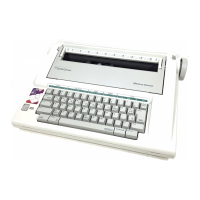
The Typewriter hos several enhancements over a standard electric typewriter.
Features that allow you to rype much foster with less bother . The features offered
on your particular typewriter are dependent upon the model you purchased.
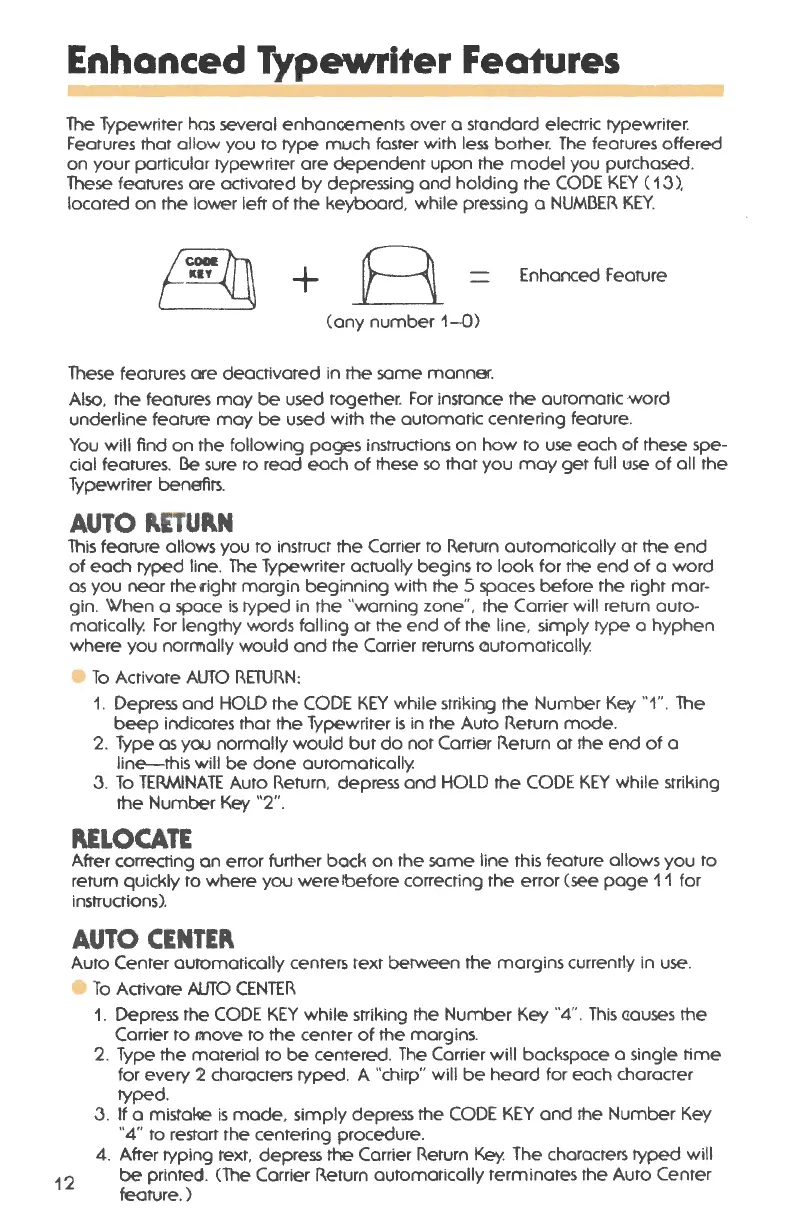
These features ore activated by depressing and holding the CODE KEY ( 1
.3 ).
located on the lower left of the keyboard, while pressing a NUMBER KEY.
+
B
Enhanced Feature
Cony number
1-0)
These features are deactivated in the some manner.
Also, the features may be used together . For instance the automatic word
underline feature may be used with the automatic centering feature .
You will find on the following pages instructions on how to use each of these spe-
cial features .
l3e sure to read each of these so that you may get full use of all the
Typewriter benefits.
AUTO P.ETUP.N
This feature allows you to instruct the Carrier to Return automatically at the end
of each ryped line. The Typewriter actually begins to look for the end of a word
as you near the right margin beginning with the 5 spaces before the right mar-
gin. When a space is ryped in the "warning zone ". the Carrier will return auto-
matically. For lengthy words falling at the end of the line. simply rype a hyphen
where you norrnally would and the Carrier returns outomotically.
e To Activate AUTO RETURN:
1. Depress and HOLD the CODE KEY while striking the Number Ket
''1". The
beep indicates that the Typewriter is in the Auto Return mode.
2. Type as you normally would but do not Carrier Return at the end of a
line-this will
be done automatically.
.3. To TERMINATE Auto Return, depress and HOLD the CODE KEY while stril~ing
the Number Key "2".
PJ:LOCATE
After correcting an error further bock on the some line this feature allows you to
return quickly to where you were !before correcting the error (see page 11 for
instructions).
AUTO CENTEP.
Auto Center automatically centers text between the margins currently in use.
e To Activate AUTO CENTER
12
1. Depress the CODE KEY while striking the Number Key "4" . This <10uses the
Carrier to r:nove to the center of the margins.
2. Type the material to
be centered . The Carrier will backspace a single time
for every 2 characters ryped. A "chirp" will be heard for each character
typed .
.3. If a mistake is mode , simply depress the CODE KEY and the Number Key
"4" to restart the centering procedure.
4. After typing text. depress
the Carrier Return Key. The characters typed will
be printed. (The Carrier Return automatically terminates the Auto Center
feature .)



 To Next Page