A
t P
h I d
(Ehtpendlng on
U O aragrap n enf Mod•I Purchased)
The Auto Paragraph Indent feature allows you to instruct the Carrier to return to a
temporary "left margin " for text that must be indented for several lines. Deac-
tivating this feature returns you to your original left margin setting . An example :
original left margin
I
The quick brown fox jumped over :
a lazy bear.
a lazy dog .
a lazy giraffe.
I
temporary left margin
e To Activate AUTO PARAGRAPH INDENT:
1. Position Print Point Indicator to desired location where indented text is to
begin .
2. Depress the CODE KEY while striking the LEFT MARGIN Key. The "beep " indi-
cates that the Typewriter is in the Auto Paragraph Mode.
J. Type the desired text. At the beginning of each line the carrier will return to
the indented position.
4. After you hove completed typing the indented text, simply depress the
CODE KEY while striking the LEFT MARGIN Key to deactivate Auto Para-
graph Indent. Tt.)e "beep " indicates that this feature has been deactivated .
At the beginning of the next line the carrier will return to the original left
margin.
Messenger Module (Printer option)
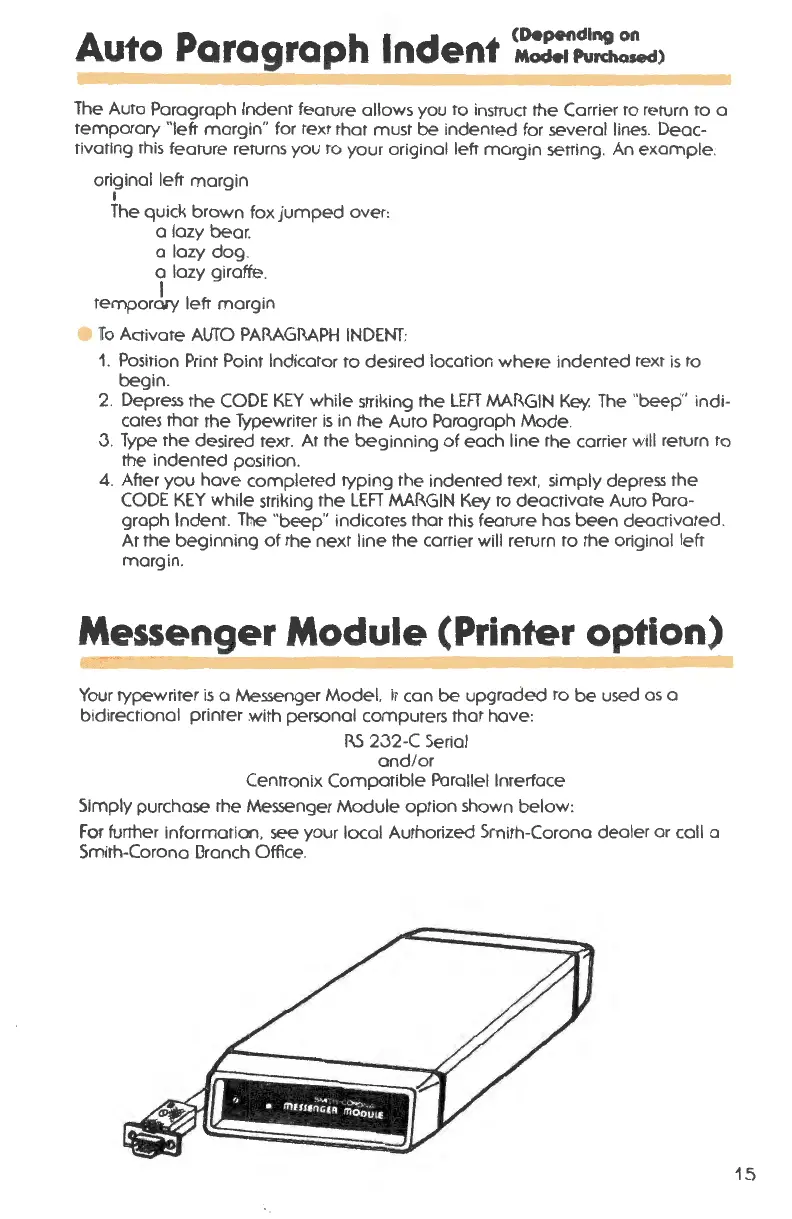
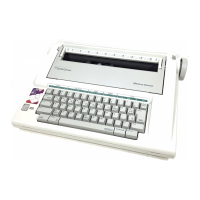
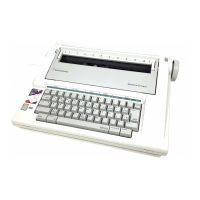
Your typewriter is o Messenger Model. it can be upgraded to be used as a
bid irectional printer with personal computers that have :
RS 2.32-C Serial
and/or
Centronix Compatible Parallel Interface
Simply purchase the Messenger Module option shown below :
For further information , see your local Authorized Smith-Corona dealer or coll a
Smith-Corona 0ranch Office.
15




 To Next Page