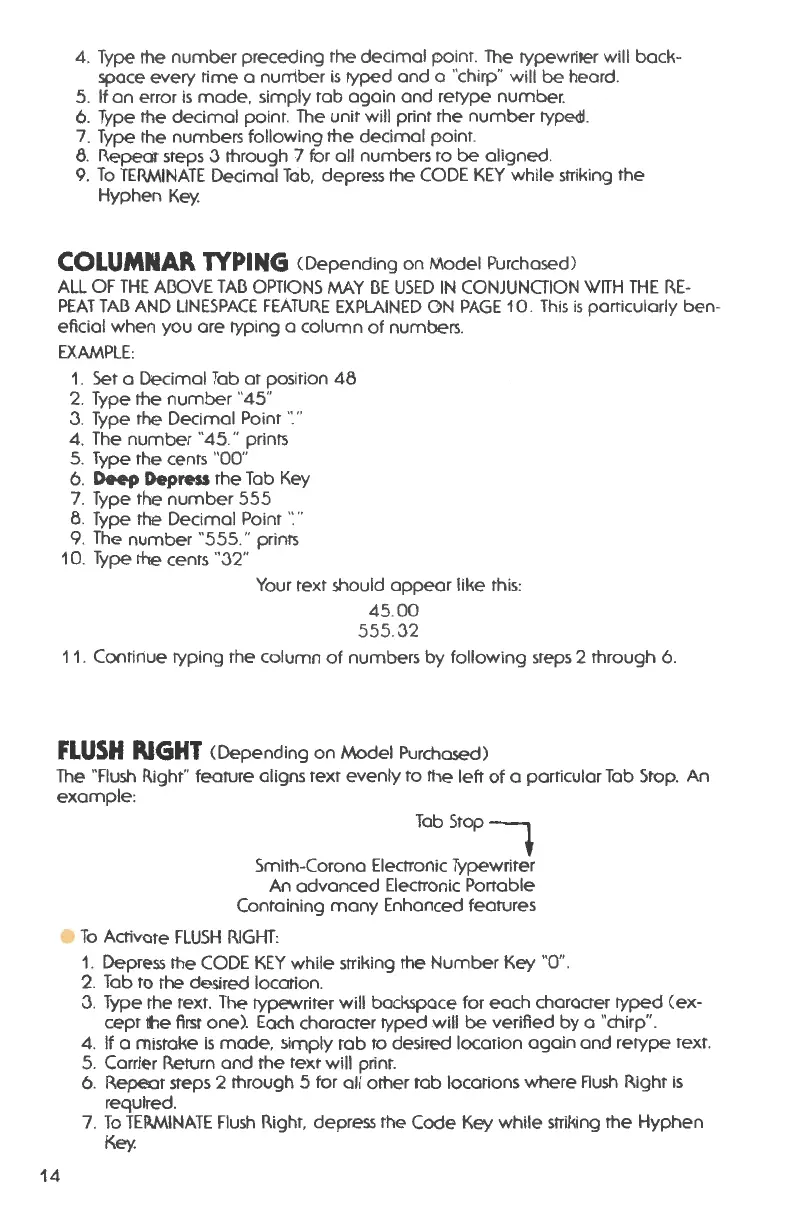
4. Type rhe numbe r preceding the decima l po int. The typew riter will back -
space every time a number is typed and a "chirp" will be heard .
5. If an error is made , simply tab again and retype number .
6. Type the decimal point . The unit will print the number rypedl.
7. Type the numbers following rhe decimal point.
8. Repeat steps 3 rhrough 7 for all numbers to be aligned .
9. To TERMINATE Decimal Tab, depress rhe CODE KEY while striking the
Hyphen Key.
COLUMNAR TYPING (Depending on Model Purchased)
ALL OF THE Al3OVE TAl3 OPTIONS MAY 13E USED IN CONJUNCTION WITH THE RE-
PEAT TAl3 AND LINESPACE FEATURE EXPLAINED
GN PAGE 10 . This is particularly ben -
eficial when you are typing a column of numbers .
EXAMPLE:
1. Set a Decimal Tab at posirion 48
2.
Type the number "45 "
3. Type the Decimal Point ·:"
4. The number "45 ." prints
5. Type the cents
"00"
6.
Deep Depress the Tab Key
7. Type the number 555
8. Type the Decimal Point ''."
9. The number "555 ." prints
10. Type the cents "32"
Your text should appear like this:
45.00
555. 32
11.
Continue typing the column of numbers by following steps 2 through 6.
FLUSH RIGHT (Depending on Model Purchased)
The "Flush Right" feature aligns text evenly to rhe left of a particular Tab Stop. An
example :
14
TabStop
7
Smirh-Corona Electronic Typewriter
An advanced Electronic Portable
Containing many Enhanced features
To Activate FLUSH RIGHT:
1. Depress the CODE KEY while striking rhe Number Key "0" .
2. Tab to the desired location .
3. Type the text . The type.vriter will backspace for each character typed (ex-
cept
the first one) . Each character typed will be verified by a "chirp" .
4. If a mistake is mode , simply tab to desired location again and retype text .
5. Carrier Return and the text will print.
6. Repeat steps 2 rhrough 5 for all orher tab locations where Flush Right is
required .
7. To TEIWINATE Flush Right, depress the Code Key while striking rhe Hyphen
Key.




 To Next Page