SMART INSTRUCTION
< 12 >
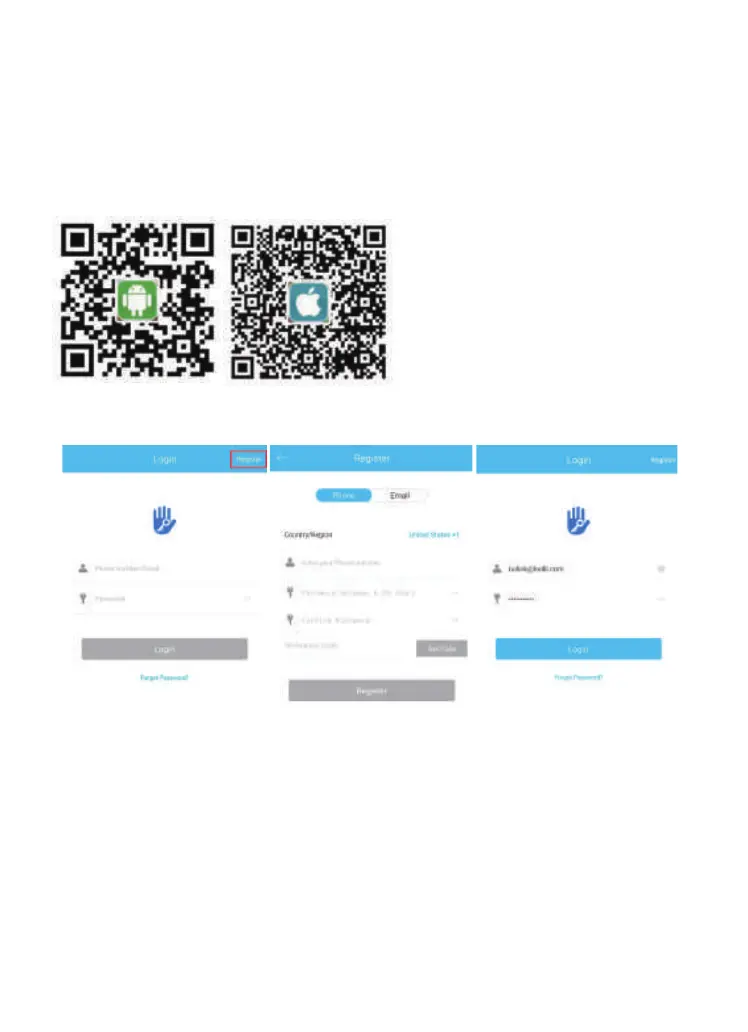
1.Download the App ”TTLock”
Android Mobile Phone--Search “TTLock” from Google Play.
Apple Mobile Phone--please search “TTLock” from App Store.
Pairing Lock to Phone App
3.Match the Lock to the Application
When matching, follow the prompt steps of the program, you need
to touch the screen after installing the lock and installing the battery,
match the blue icon lock , and set the name for the lock.
Note: If the smart lock is in a non-addable state, Takeoutbatteries
topoweroffthelockabout5seconds.Then,poweronandlong
pressmanualbuttonabout10seconds.Oncehearingbeepbeep
sound,thelockisresetsuccessfully.
2.Register and Login the Account


 To Next Page