2 (4) Getting started Desktop phone PRO – 36334, rev.1.0, 2015-09-29
Get started with your desktop phone
This is your guide to how to get started with your desktop phone.
The telephone is configured for your user at delivery. Normally, you just have to connect the
telephone to a power outlet and a network socket to get started.
Being an agent you handle calls, presence and messages in CallGuide Agent, additional useful
functions are described below.
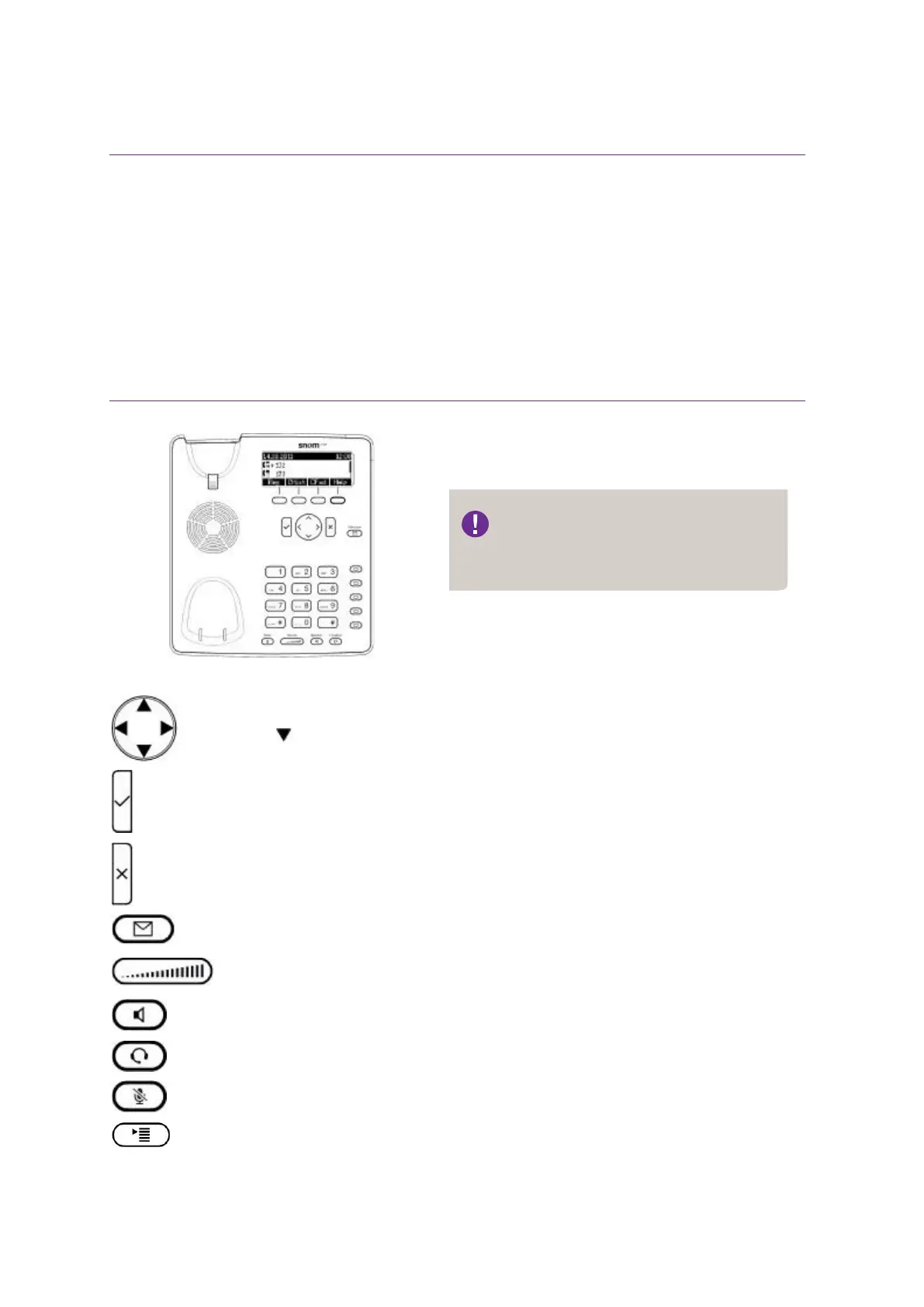
Get to know your desktop phone –
Snom 710, 720 och 760
Navigation button
Press to access the menu.
Volume button. When a call is active you regulate the volume for your audio output,
otherwise you regulate the volume for your ringtone
Deisgn and functionality vary
depending on your telephone model.



 To Next Page