Use the “Toggle key ↑↓” to mark the desired selection and press the Confirm key .
The snom 710/D710 does not have a menu key. Access
the menu by pressing the the second function key. Refine
your call forwarding options via nControl.
2.2. Function keys & codes
The administration portal allows you to program function keys. For more detailed information,
please refer to the administration portal manual.
Note:
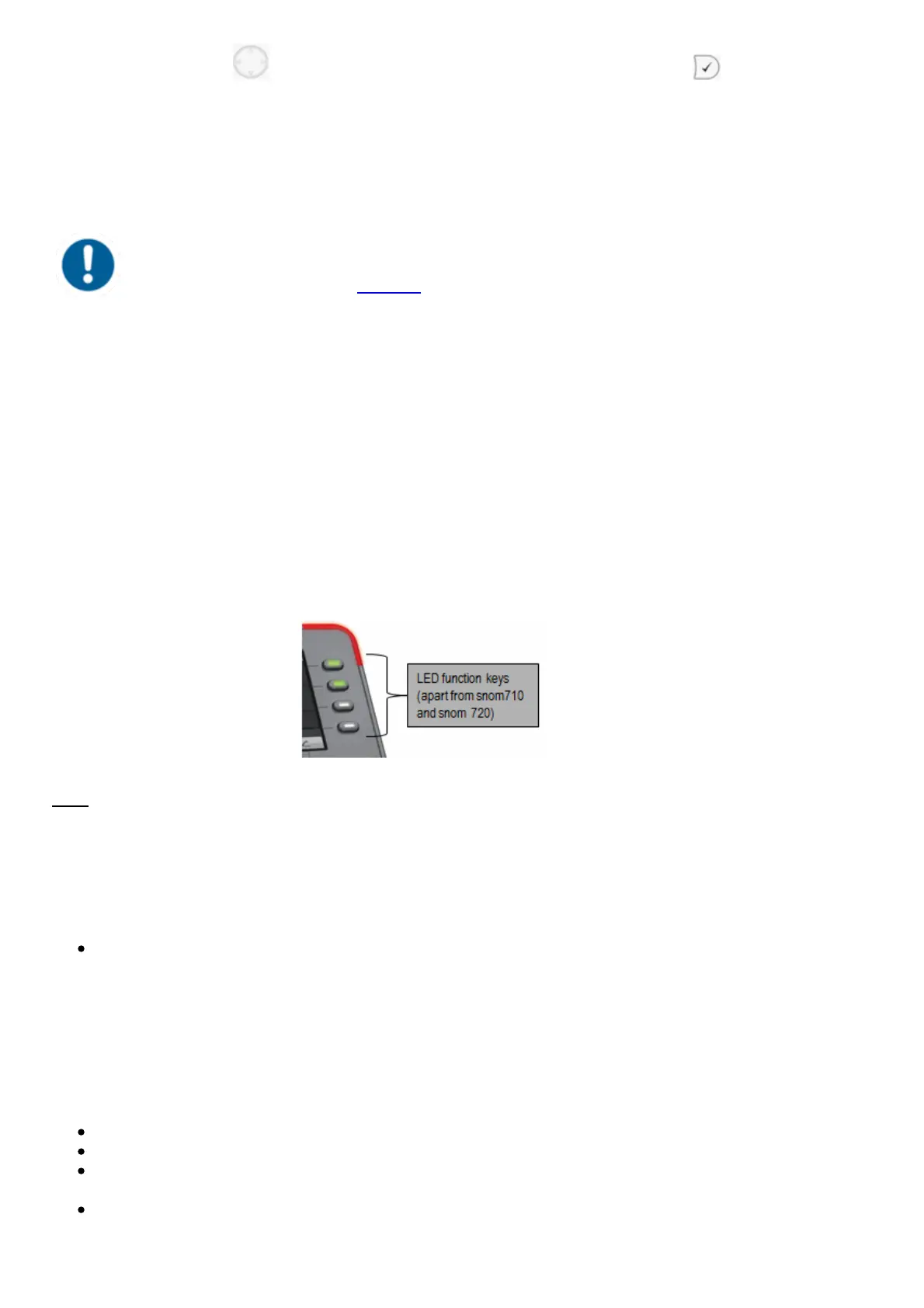
Assigning the 4 keys shown above with LED corresponds to the first 4 assigned function keys
configured via the service site. If none of the first four function keys are assigned, they can be used
as line keys. I.e. pressing the key will open a new line.
Assignment of the function keys
Standard settings (i.e. no programming): Local Loop
Incoming calls are indicated respectively by the first LED (set to local loop) flashing.
When the call is answered the LED stays lit.
If a second call comes in during this call, the second LED flashes.
By pressing the key next to the flashing LED, the first call is automatically placed on hold and
the second call answered.
You can now toggle between the calls by pressing the key next to the flashing or steady lit
LED. In this manner, you can make a total of five calls at the same time.



 To Next Page