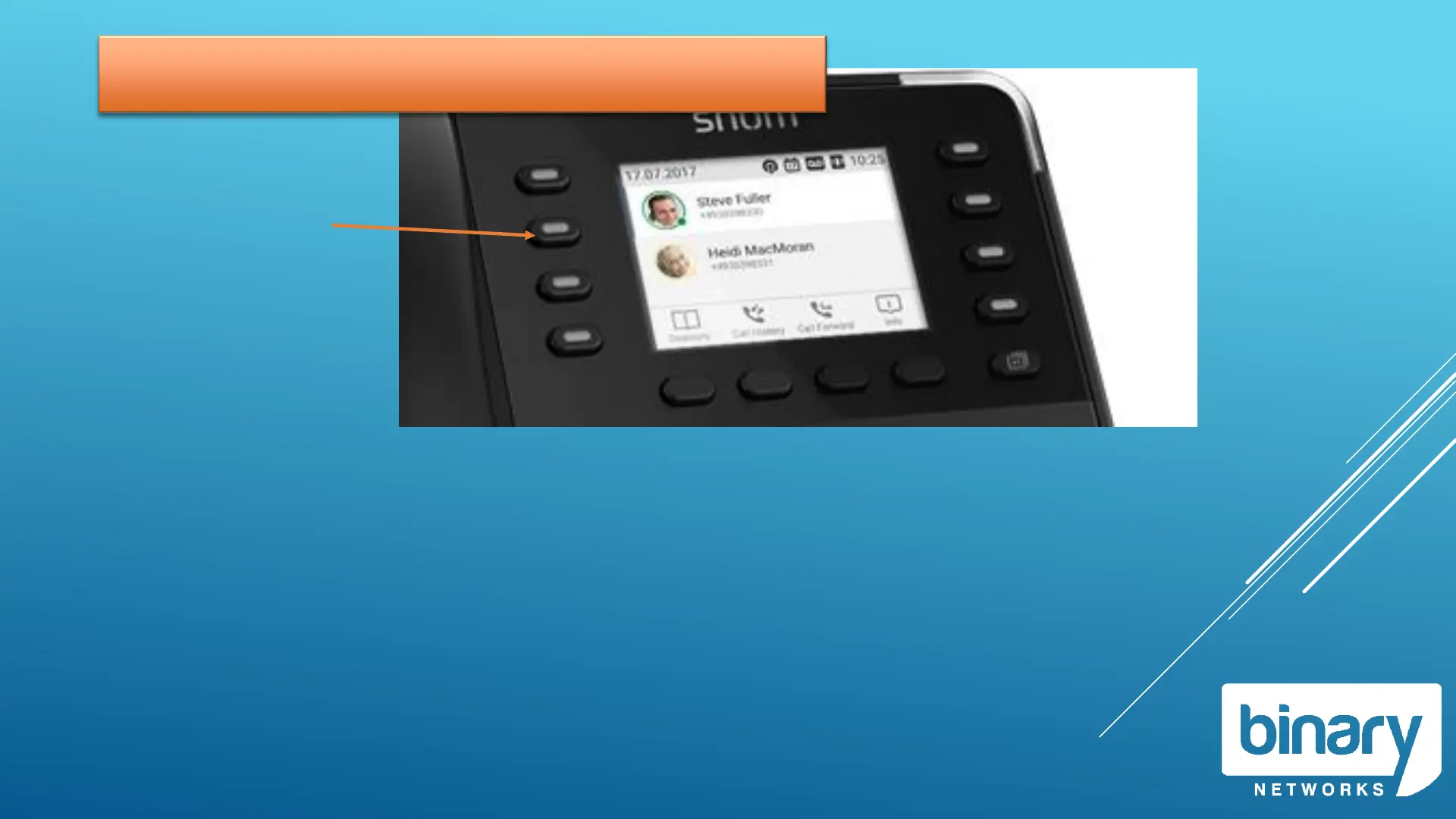
Line Keys
Each Line Key represents a call that can be made or received from your phone.
Illuminated Keys represents the call you are currently connected to.
Flashing keys represent an incoming call or a holding call.
Selecting a line key during a call will put the current call on hold.
To make an outgoing call, select an available line (or just lift handset)
Press the button to
activate the key.
RED indicates the line is
in use.



 To Next Page