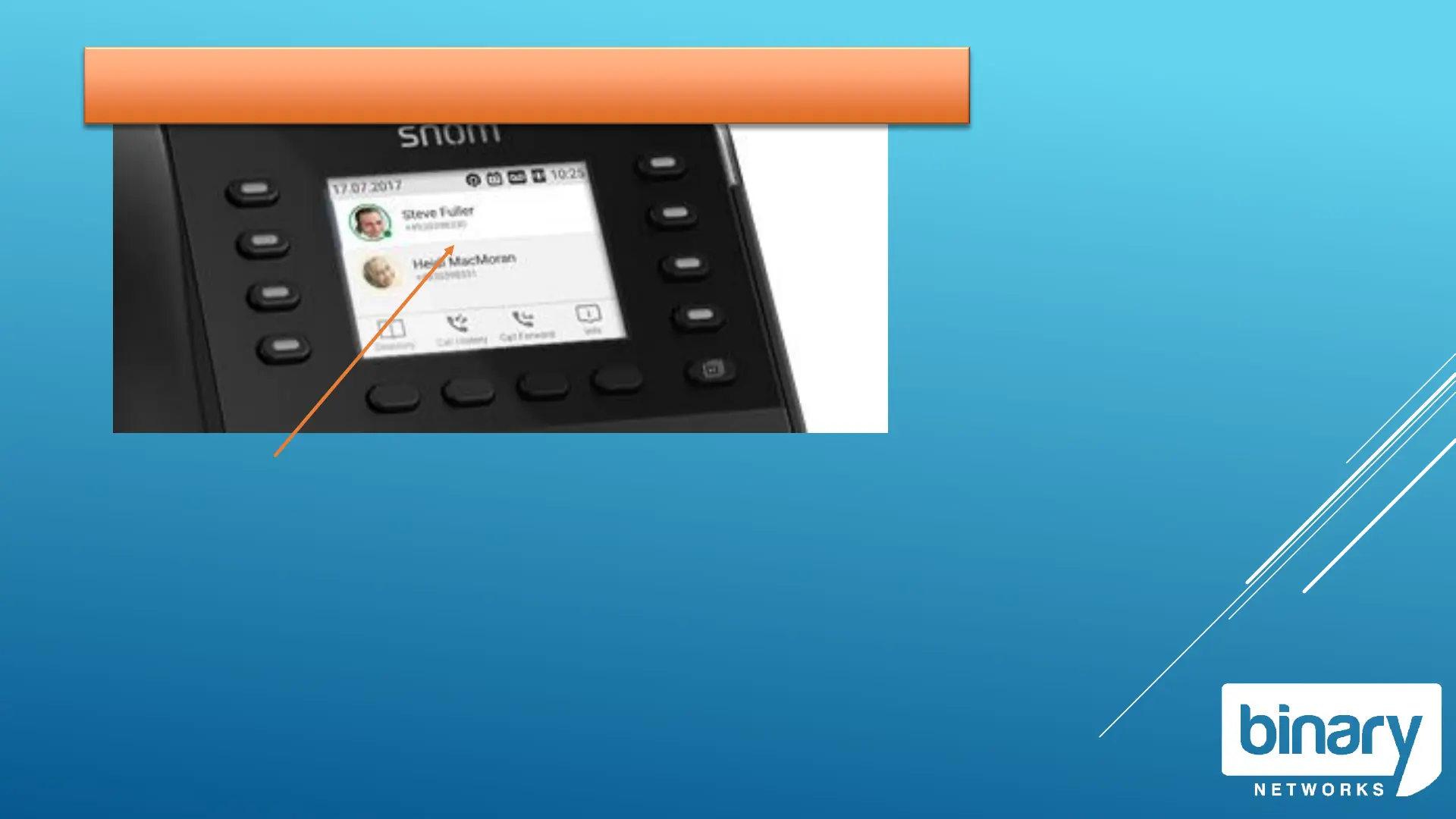
Onscreen Display / Context Keys
The Onscreen Display shows the current state of the phone.
Idle display will show your extension number and name.
The Onscreen Display has different states:
• Idle, Connected, Ringing, Holding, Dialing
The context keys will change based on the current state of
the phone.
Phone is idle
Context Buttons will show:
• Personal Directory
• Call History
• Call Forward
• Phone Info
Phone is dialling
Context Buttons will show:
• Enter Number
Phone is ringing
Context Buttons will show:
• Xfer (Call Deflection)
Phone is Connected
Context Buttons will show:
• Rec (Call Recording)



 To Next Page