V: 10/13/2024 - 1 ©2024 Snom Technology GmbH 9/22
Short User Manual
Context-sensitive, programmable function symbols and function keys (see →
Getting started
→
Getting to know the D815W components
→ 8)
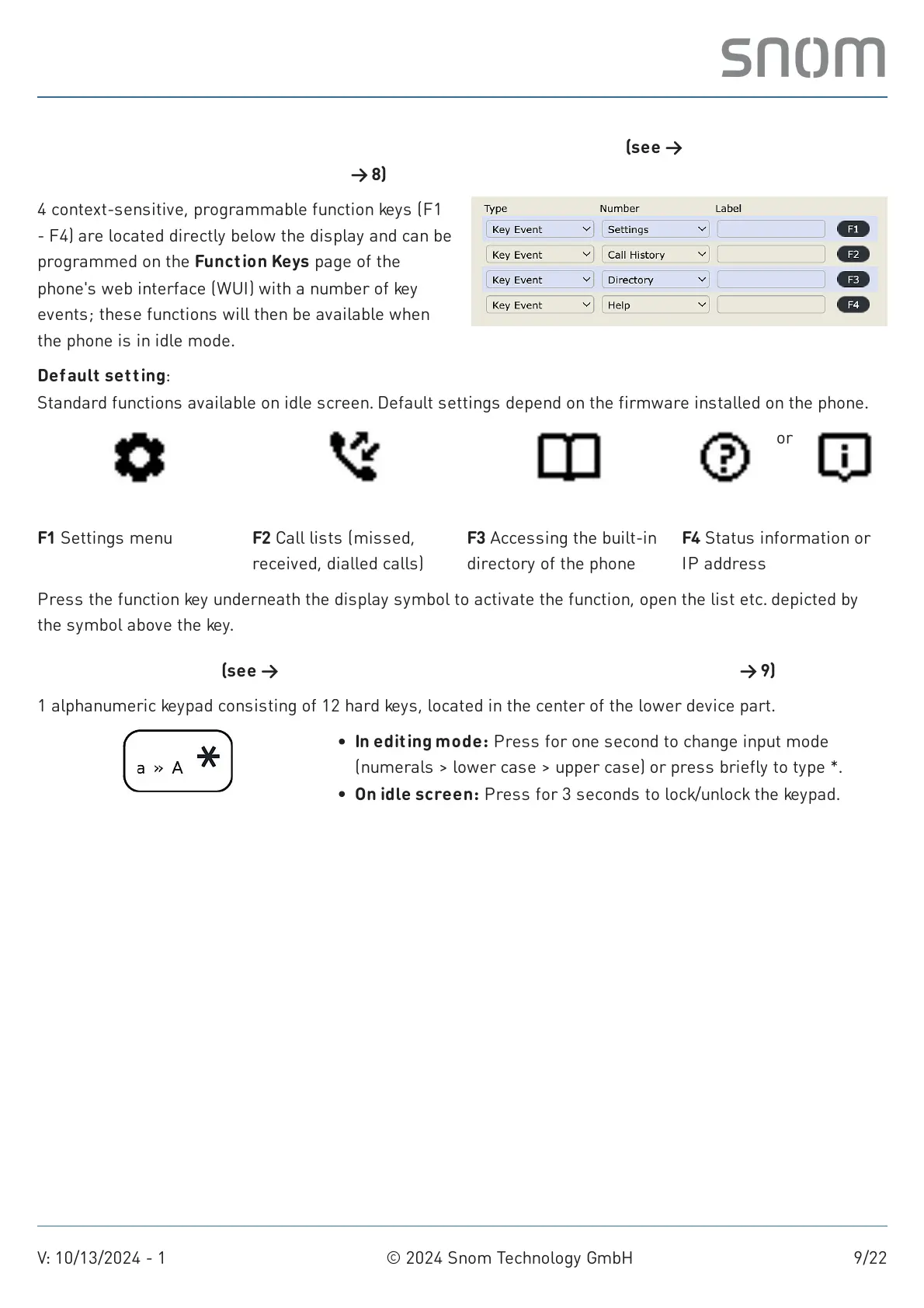
Default setting:
Standard functions available on idle screen. Default settings depend on the firmware installed on the phone.
Press the function key underneath the display symbol to activate the function, open the list etc. depicted by
the symbol above the key.
Alphanumeric keypad (see →
Getting started
→ Getting to know the D815W components
→ 9)
1 alphanumeric keypad consisting of 12 hard keys, located in the center of the lower device part.
Star key
4 context-sensitive, programmable function keys (F1
- F4) are located directly below the display and can be
programmed on the Function Keys page of the
phone's web interface (WUI) with a number of key
events; these functions will then be available when
the phone is in idle mode.
Settings
F1 Settings menu
Call History
F2 Call lists (missed,
received, dialled calls)
Directory
F3 Accessing the built-in
directory of the phone
Help
or
Info
F4 Status information or
IP address
In editing mode: Press for one second to change input mode
(numerals > lower case > upper case) or press briefly to type *.
On idle screen: Press for 3 seconds to lock/unlock the keypad.



 To Next Page