Using the WebUI 71 Back to Contents
M100 KLE Administrator and Provisioning Manual
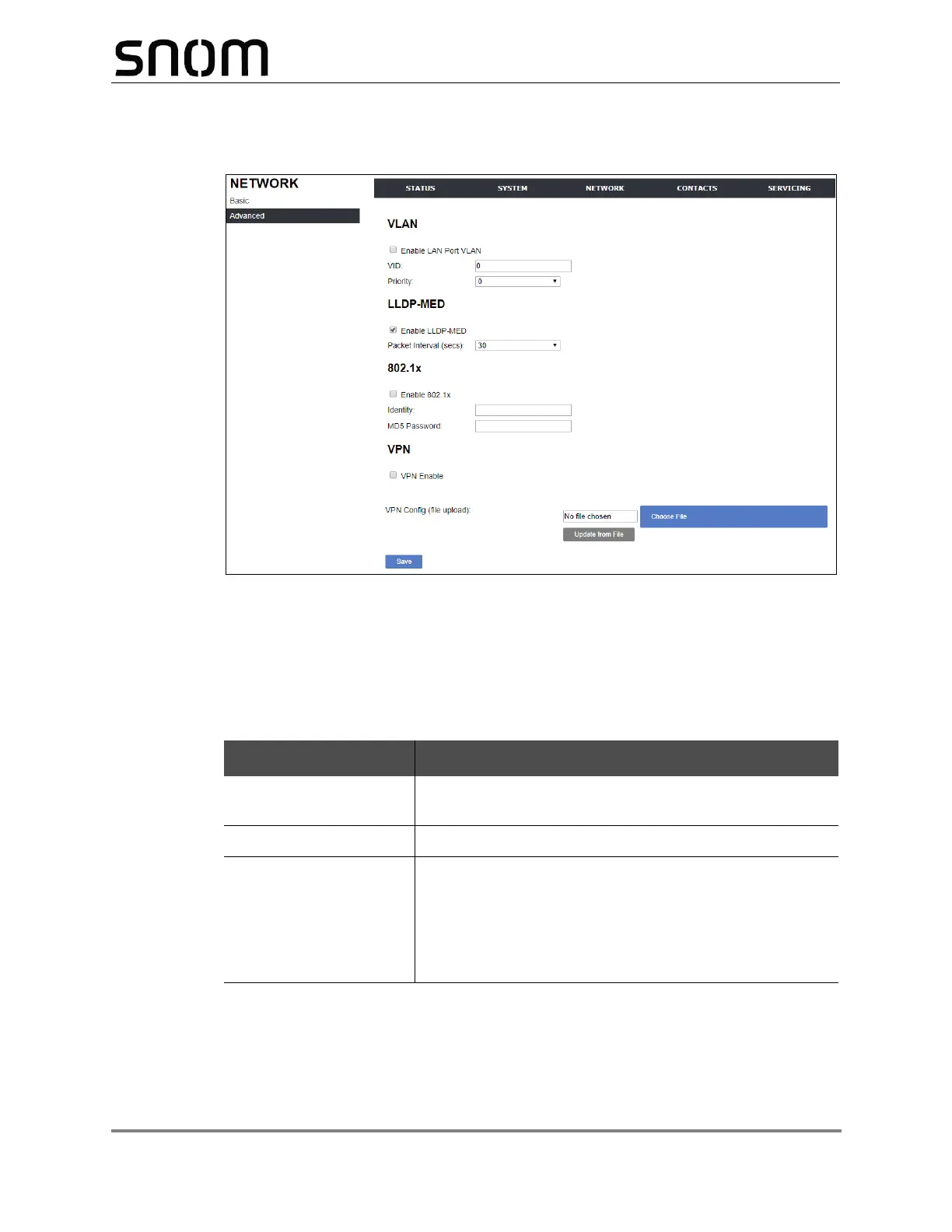
Advanced Network Settings
VLAN
You can organize your network and optimize VoIP performance by creating a virtual LAN
for phones and related devices.
Click the link for each setting to see the matching configuration file parameter in “"network"
Module: Network Settings” on page 140. Default values and ranges are listed there.
Setting Description
Enable LAN Port VLAN Enable if the phone is part of a VLAN on your network.
Select to enable.
VID Enter the VLAN ID (vlan 5, for example).
Priority Select the VLAN priority that matches the Quality of
Service (QOS) settings that you have set for that VLAN ID.
Outbound SIP packets will be marked and sent according
to their priority. 7 is the highest priority.
Note: Configuring QOS settings for your router or switch is
a subject outside the scope of this document.



 To Next Page