OPERATING MANUAL
ENGLISH
28
29
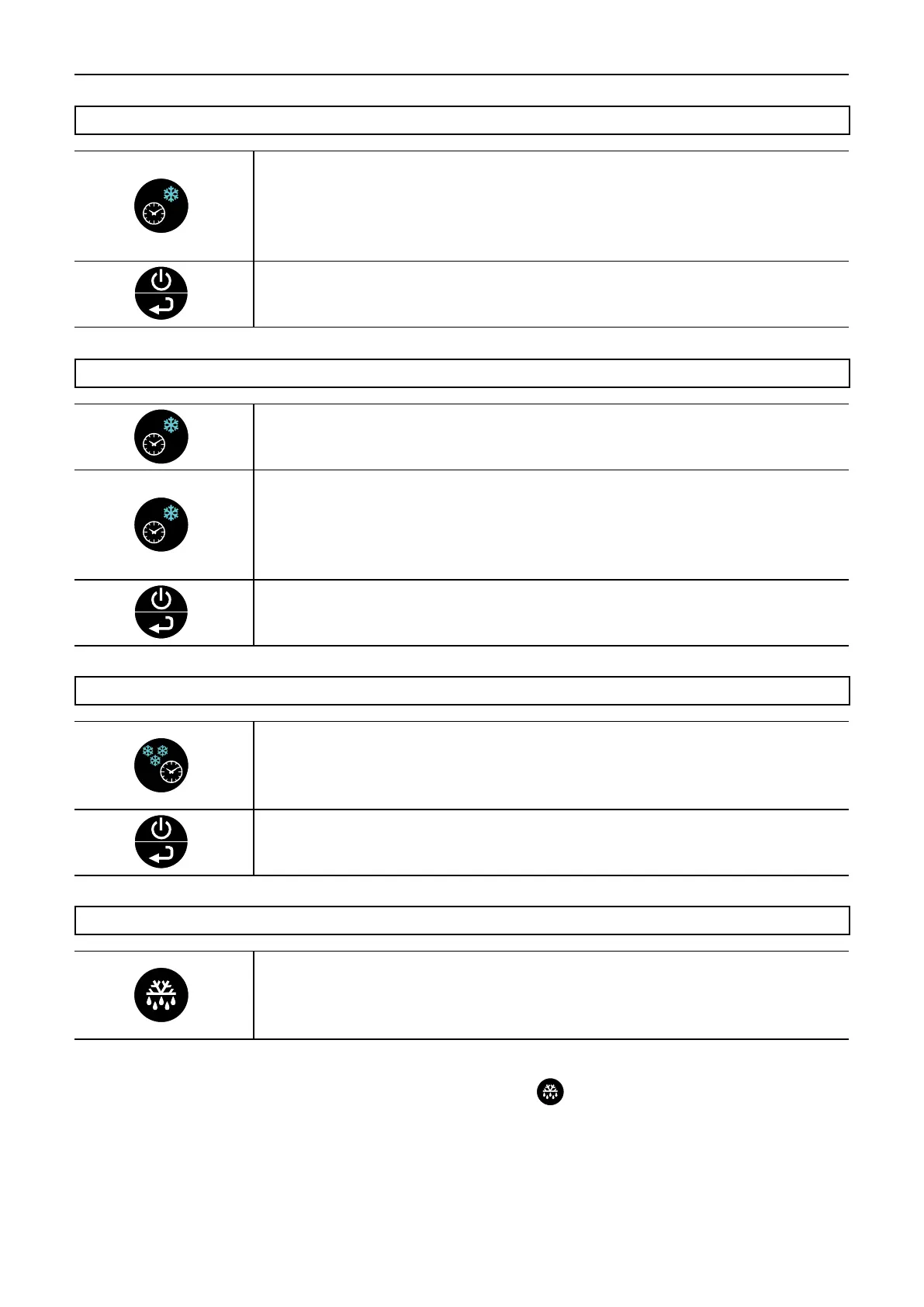
TIME-CONTROLLED BLAST FREEZING CYCLE
TIME-CONTROLLED HARD BLAST COOLING CYCLE
Press the time-controlled blast freezing key to select a time-controlled blast freezing
cycle.
The clock icon and blast freezing icon flash.
The display shows the minimum temperature of the cabinet interior probe during the
blast cooling.
Press the time-controlled blast cooling key to select a time-controlled SOFT blast
cooling cycle.
The display shows SOFT for 3 seconds.
Press the Standby key to start the cycle.
Press the time-controlled blast cooling key to select a time-controlled HARD blast
cooling cycle.
The display shows HARD.
The clock icon and blast cooling icon flash.
The display shows the minimum temperature of the cabinet interior probe during the
blast cooling.
Press the Standby key to start the cycle.
DEFROSTING
Press the DEFROST key in Standby mode to start a defrost cycle.
During this cycle, the display shows a flashing "DEF" while defrosting.
The defrost cycle duration is regulated by the control.
Note: The defrost cycle can be stopped at any time by pressing the
key.
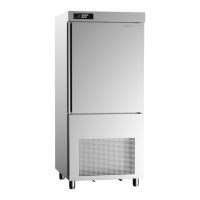
Note: If not connected to a drain remember to empty the defrost water tray placed under the cabinet.
See illustration (Fig. 6) on page 18.
TIME-CONTROLLED SOFT BLAST COOLING CYCLE
Press the time-controlled blast cooling key to select a time-controlled SOFT blast
cooling cycle.
The display shows SOFT for 3 seconds.
The clock icon and blast cooling icon flash.
The display shows the minimum temperature of the cabinet interior probe during the
blast cooling.
Press the Standby key to start the cycle.


 To Next Page